








Catalog /
The Condition Builder Component
Leading a volunteer, cross-organizational initiative to consolidate
21 separate condition builders into one reusable component in the IBM Products library.
Choose which customers this rule applies to. It is checked every time a quote is requested.
Draft. Applies to new quotes only.
Choose which customers this rule applies to. It is checked every time a quote is requested.
Draft. Applies to new quotes only.
Context
IBM Products uses Carbon as a shared design foundation and extends it with its own patterns and assets to address needs across its product portfolio. But one common interaction had no shared answer: condition building.
The problem
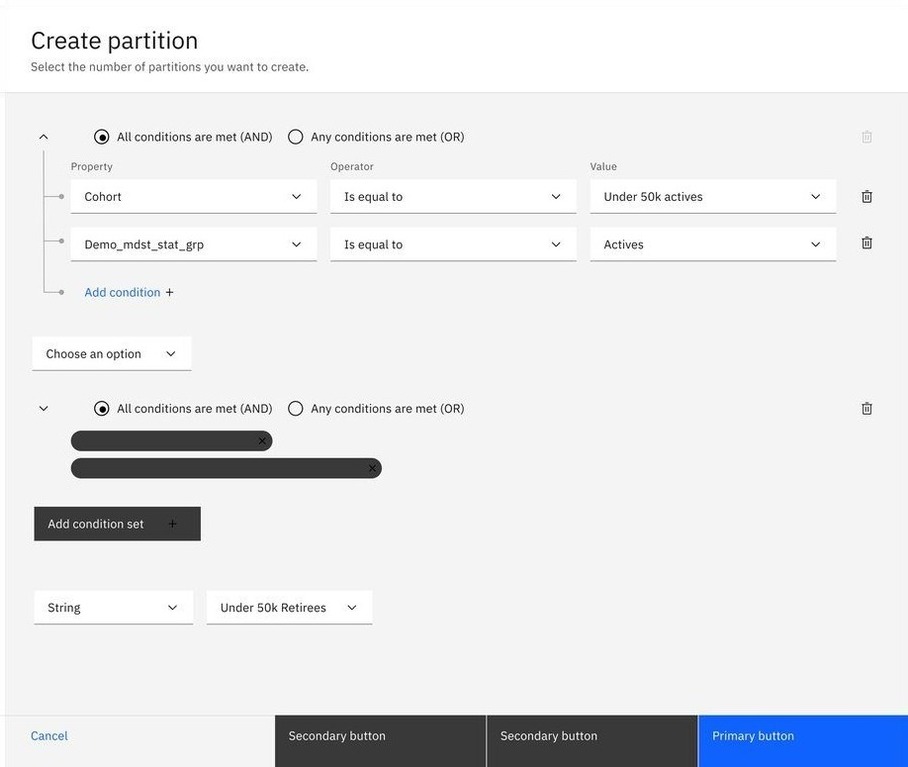
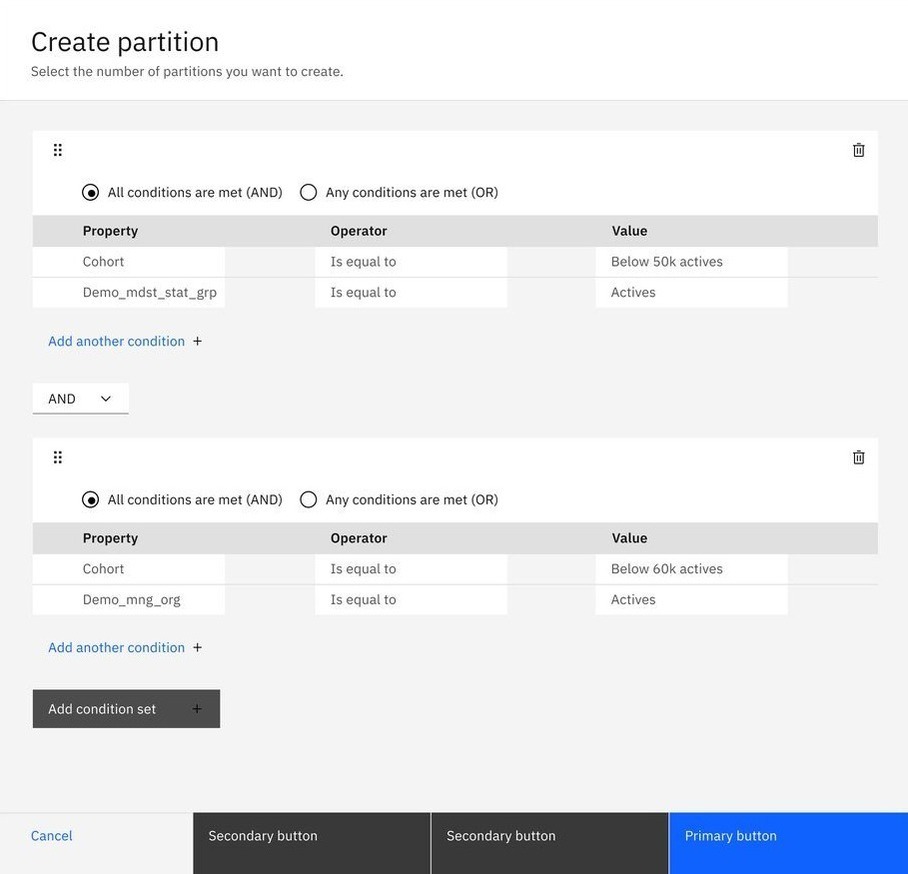
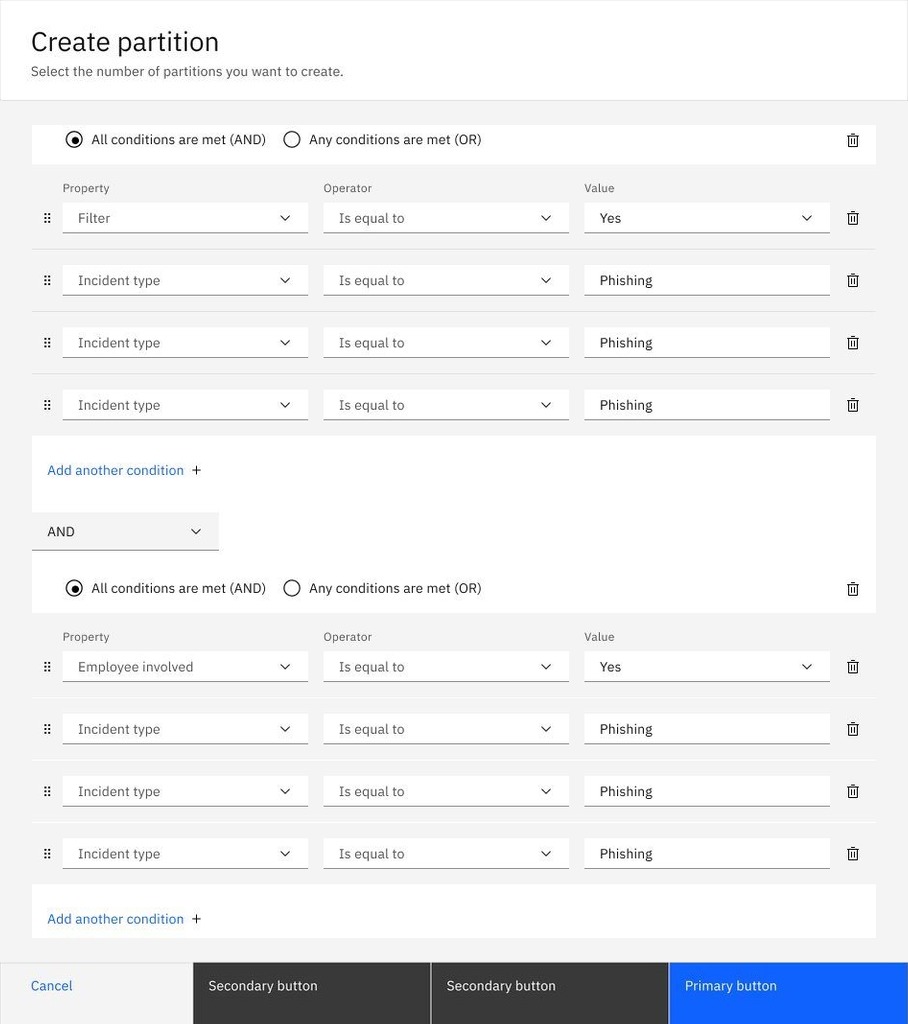
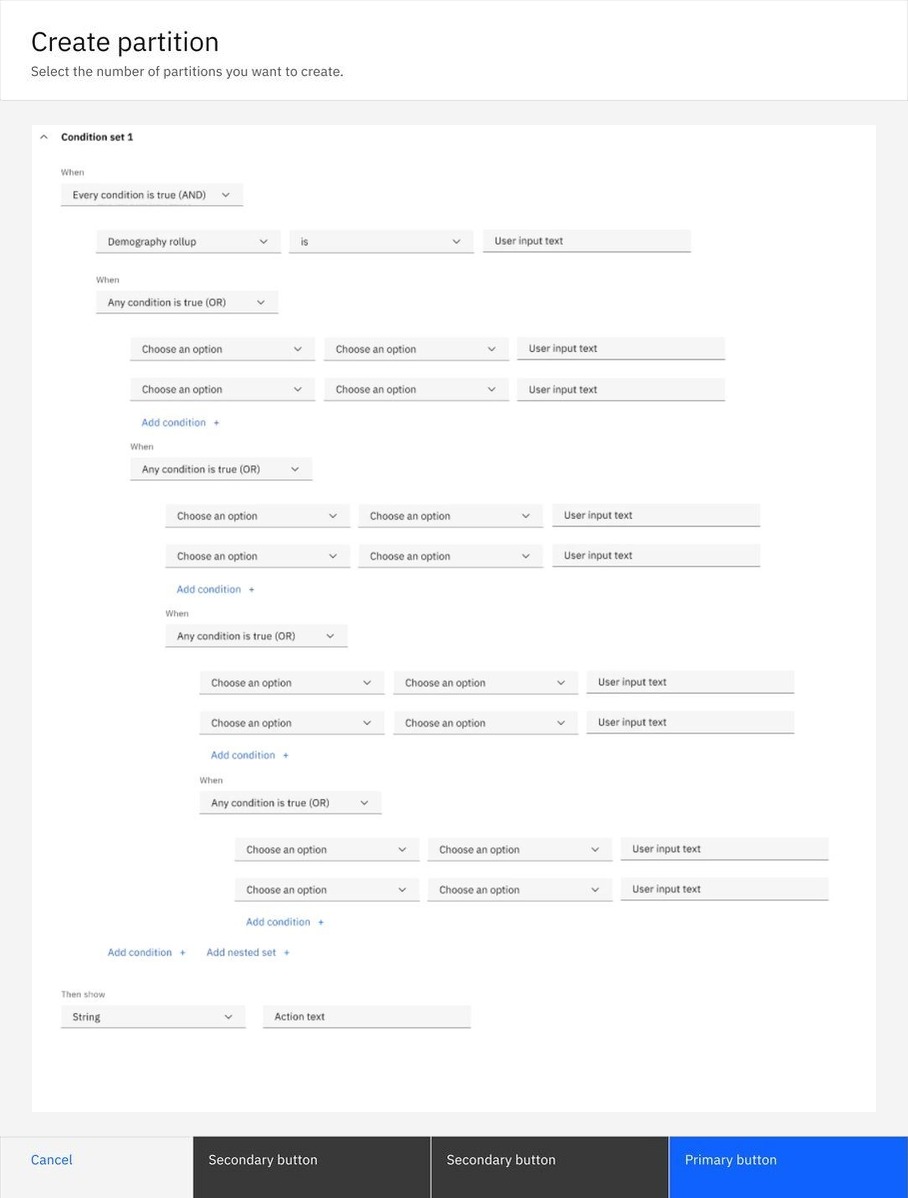
IBM Products' asset library had no shared condition builder. Teams that needed one built their own, expressing the same underlying logic through different layouts, controls, and terminology. Each team had to design, build, and maintain its own solution, duplicating effort and producing inconsistent experiences that were harder to scale.
Impact
One shared component.
A foundation for consistent condition building across IBM Products.
Separate condition builders unified into one component
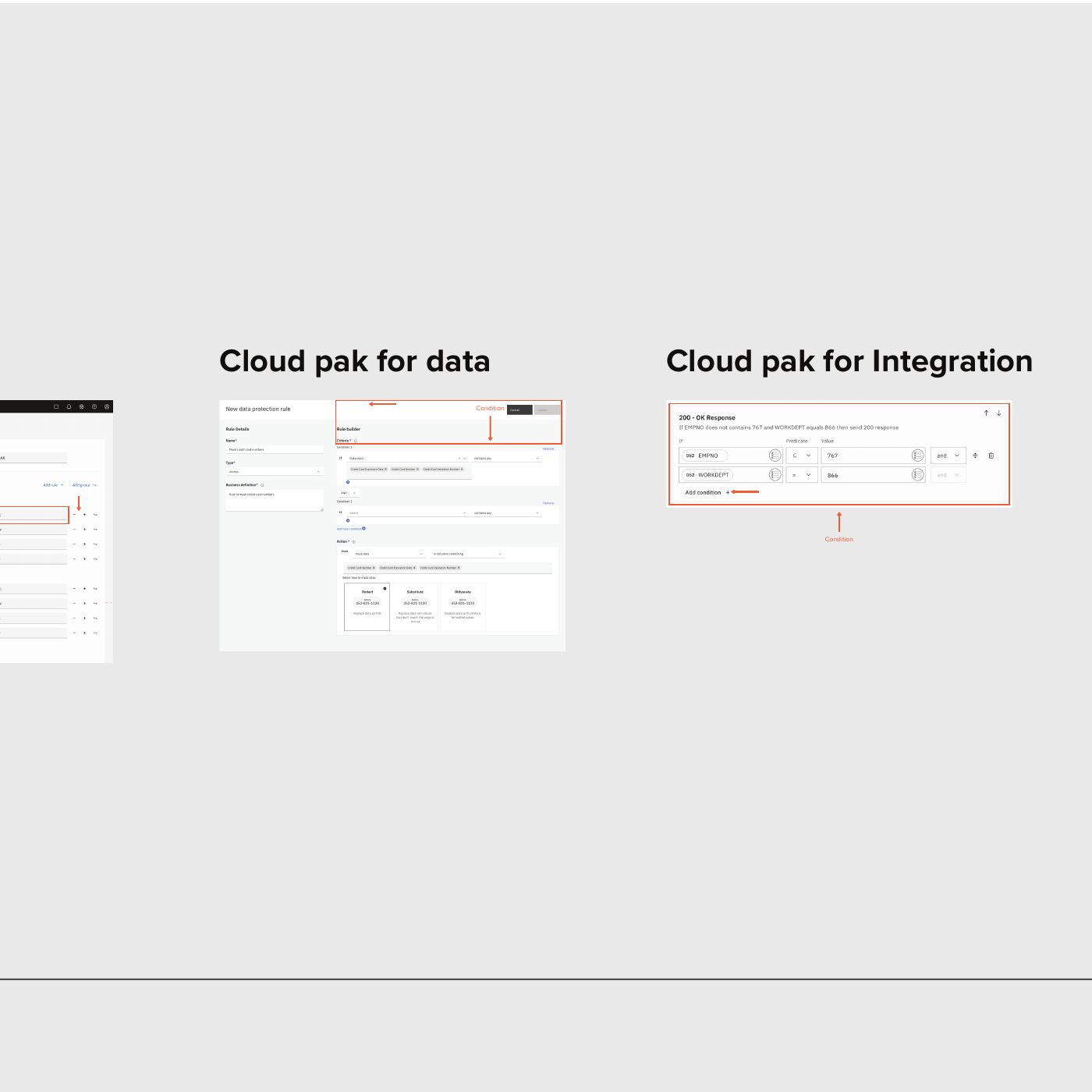
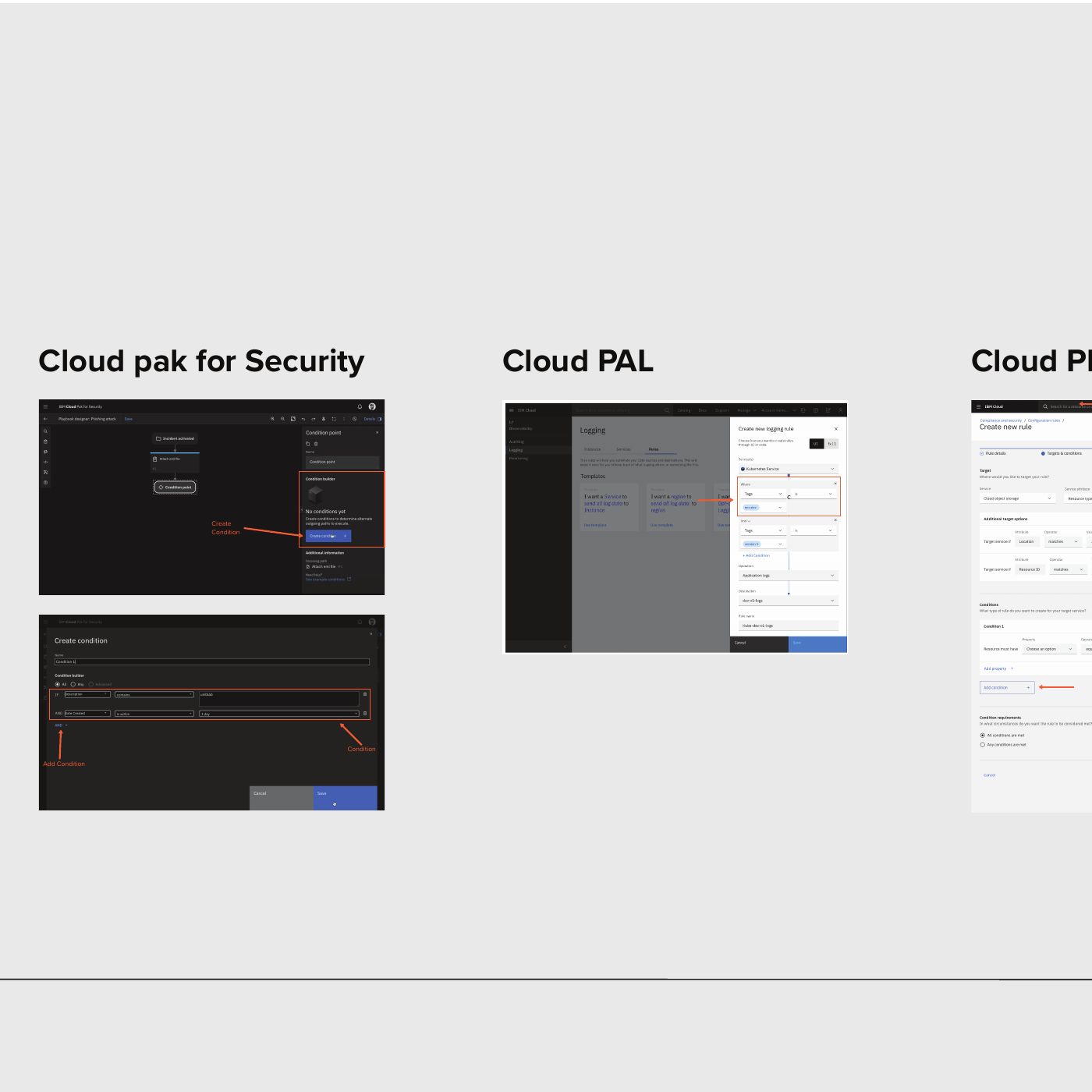
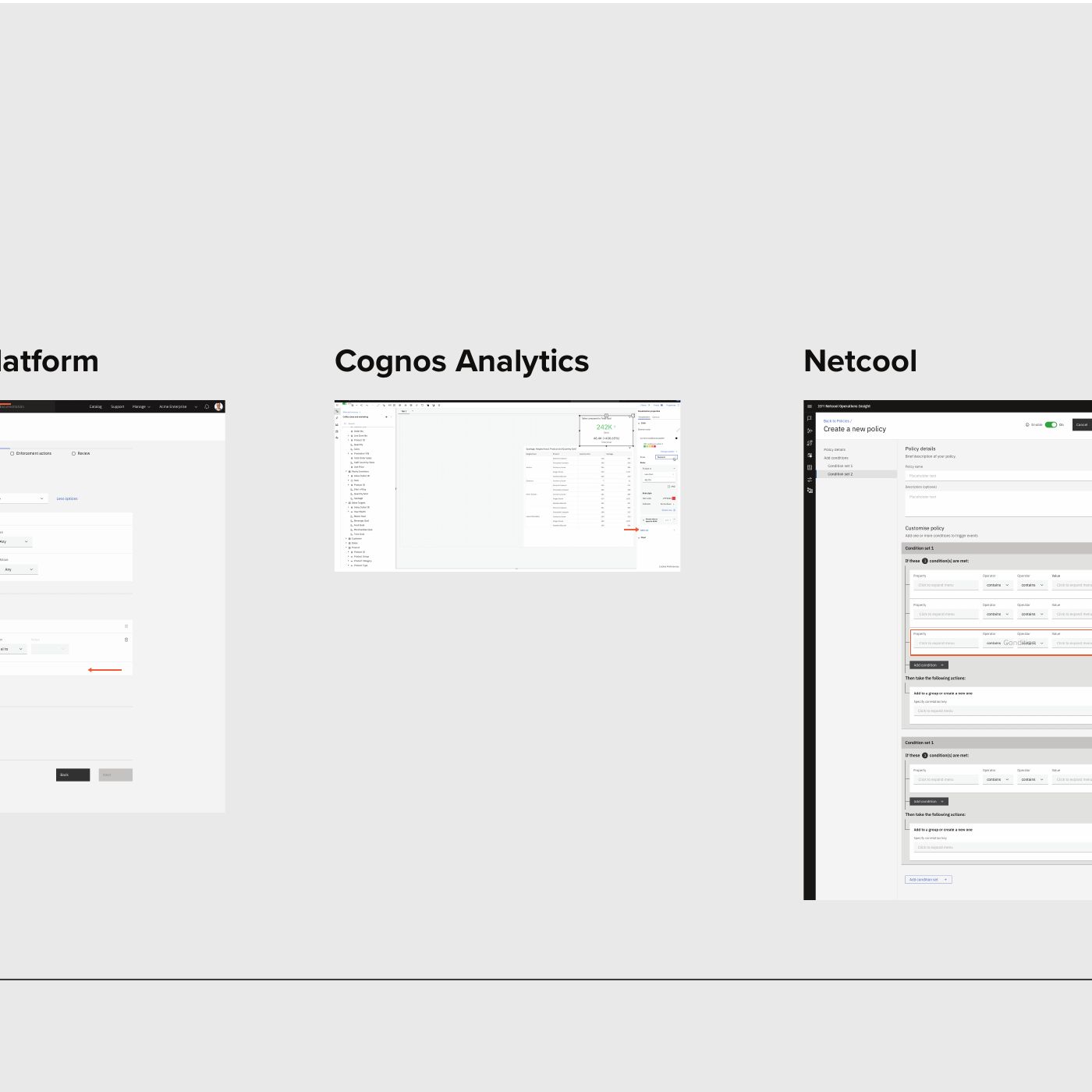
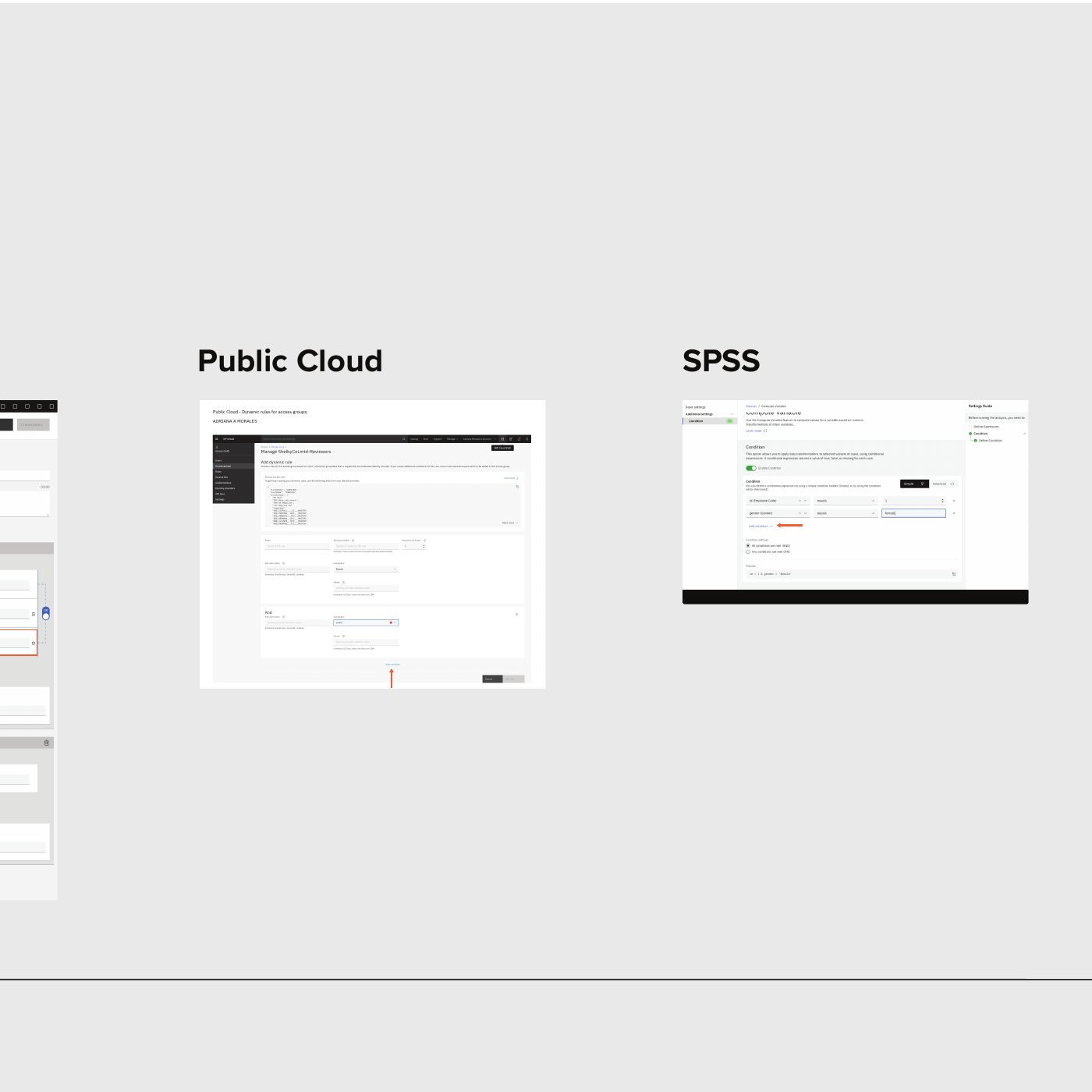
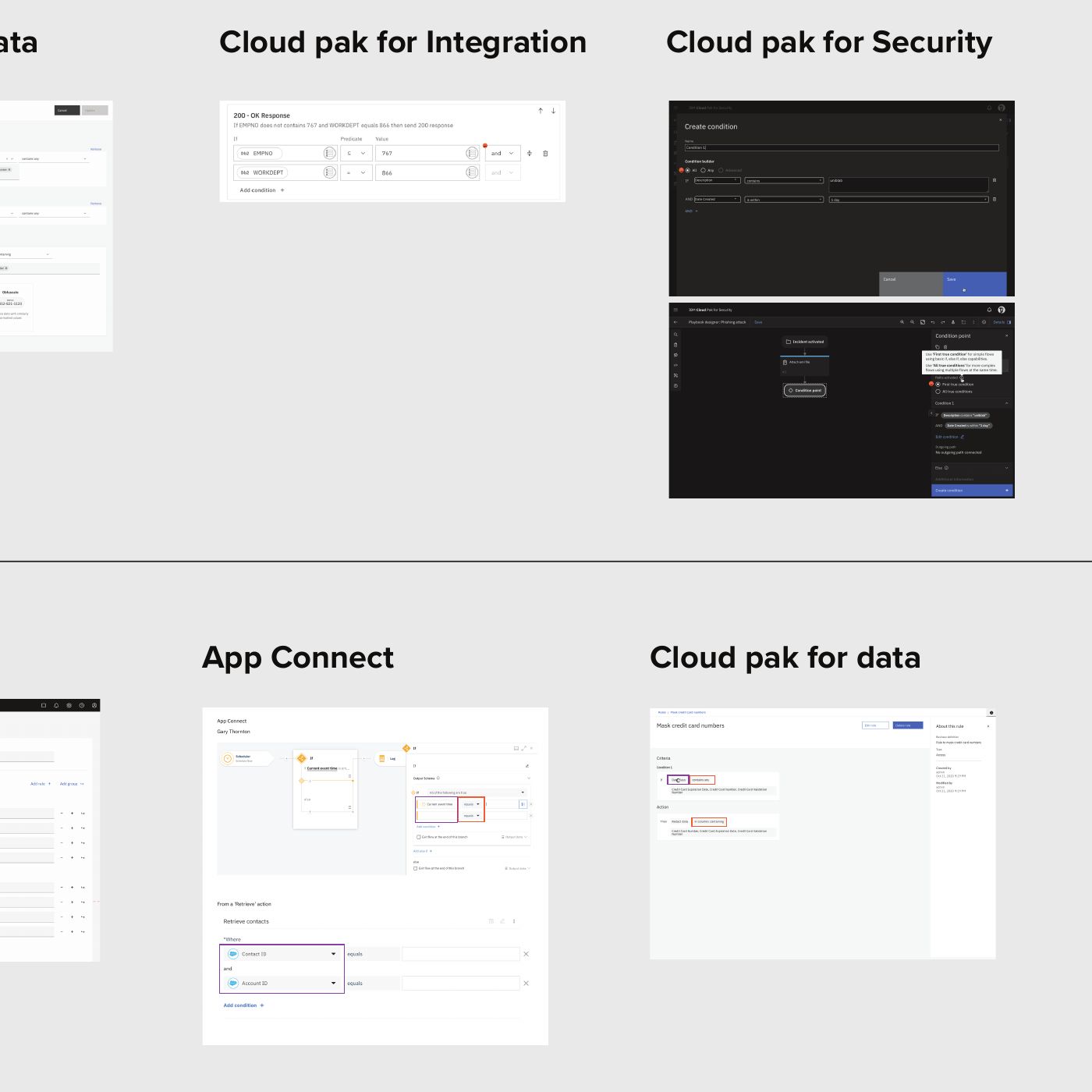
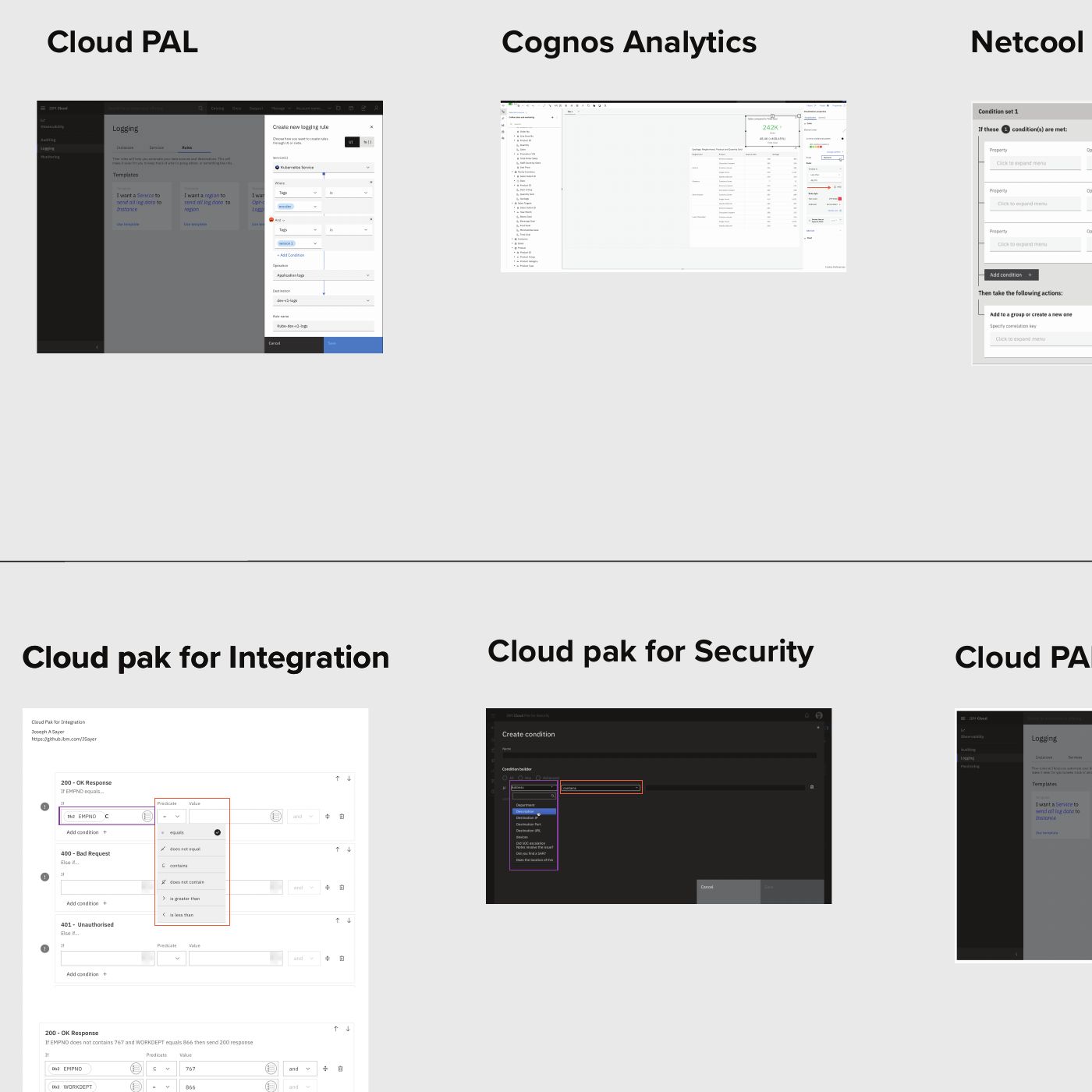
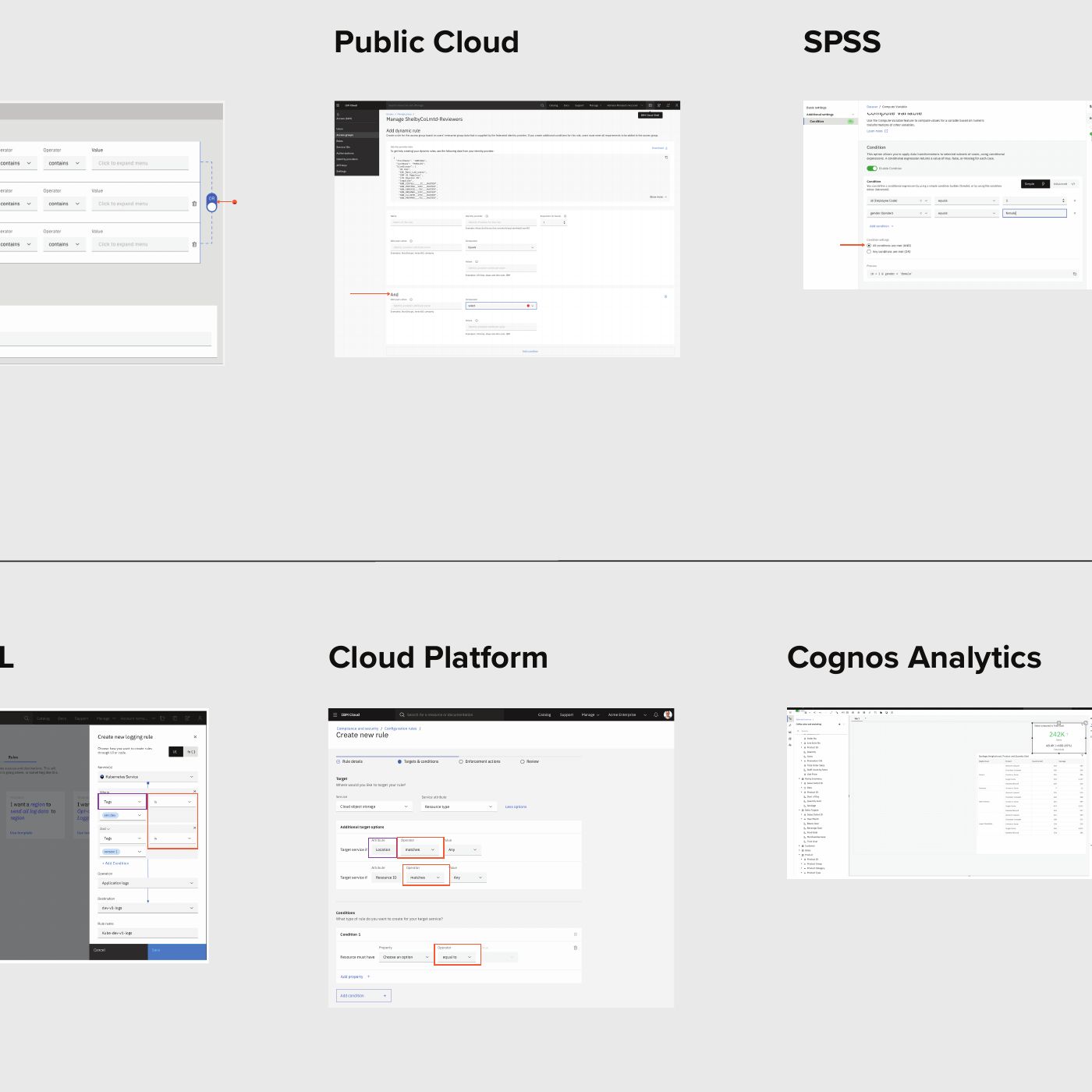
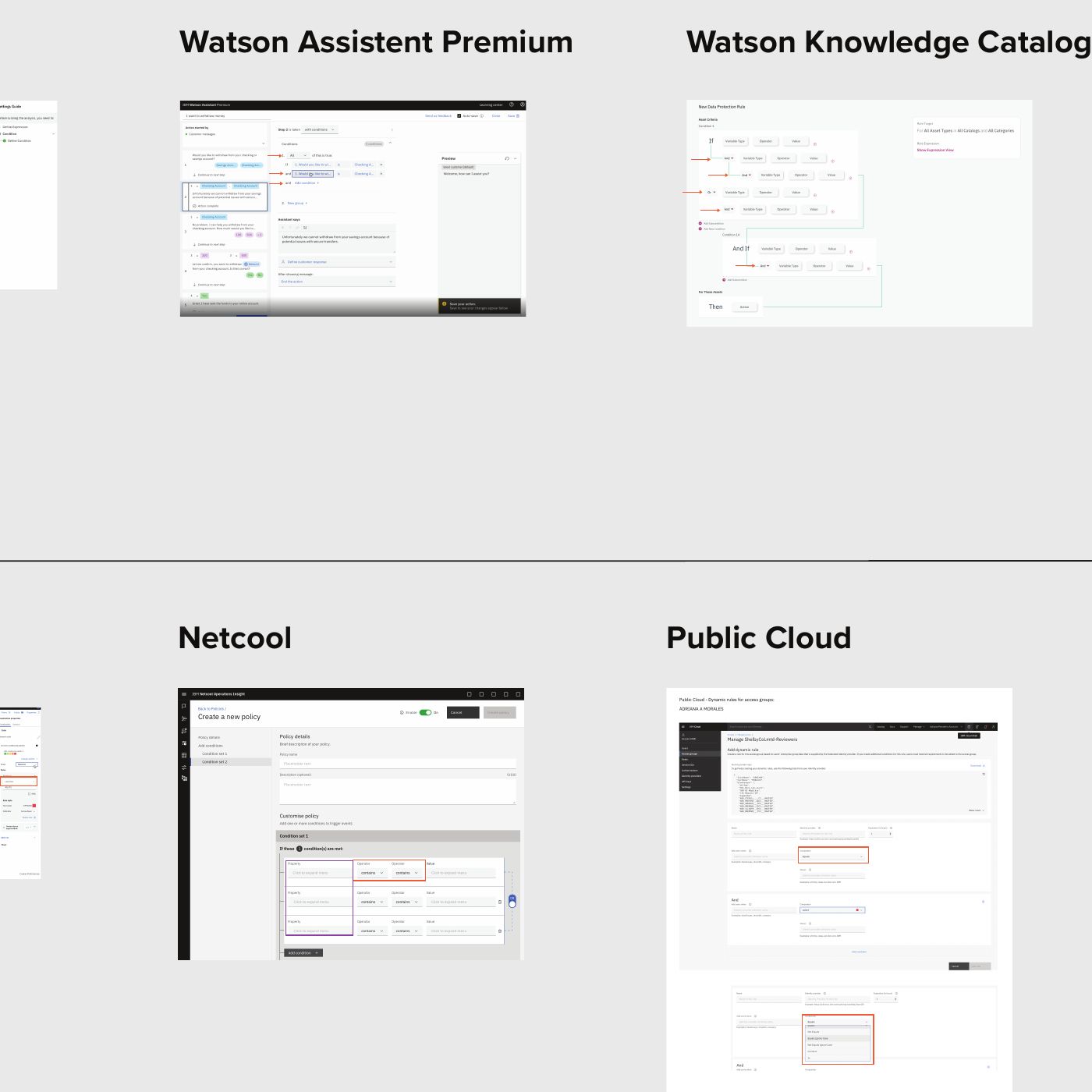
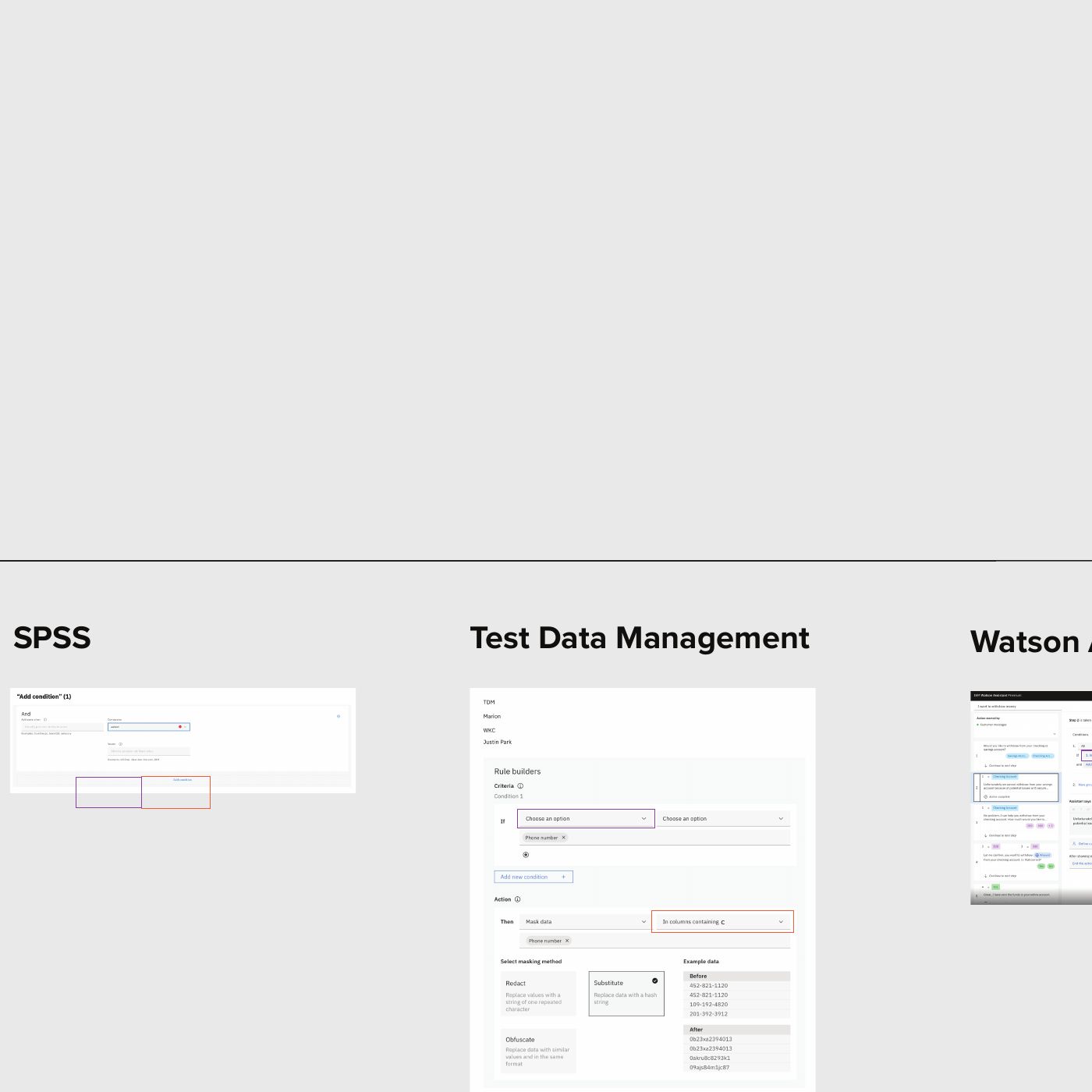
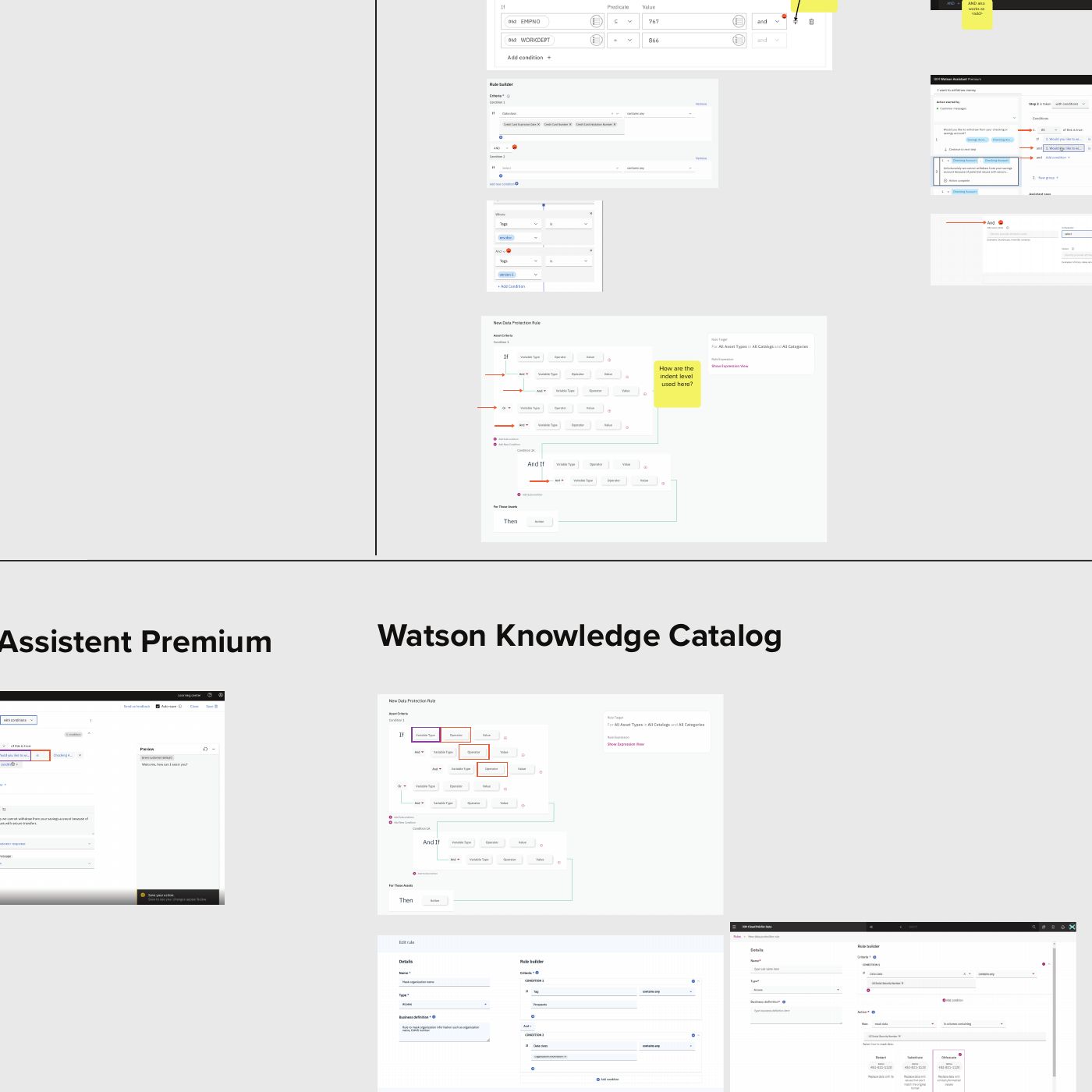
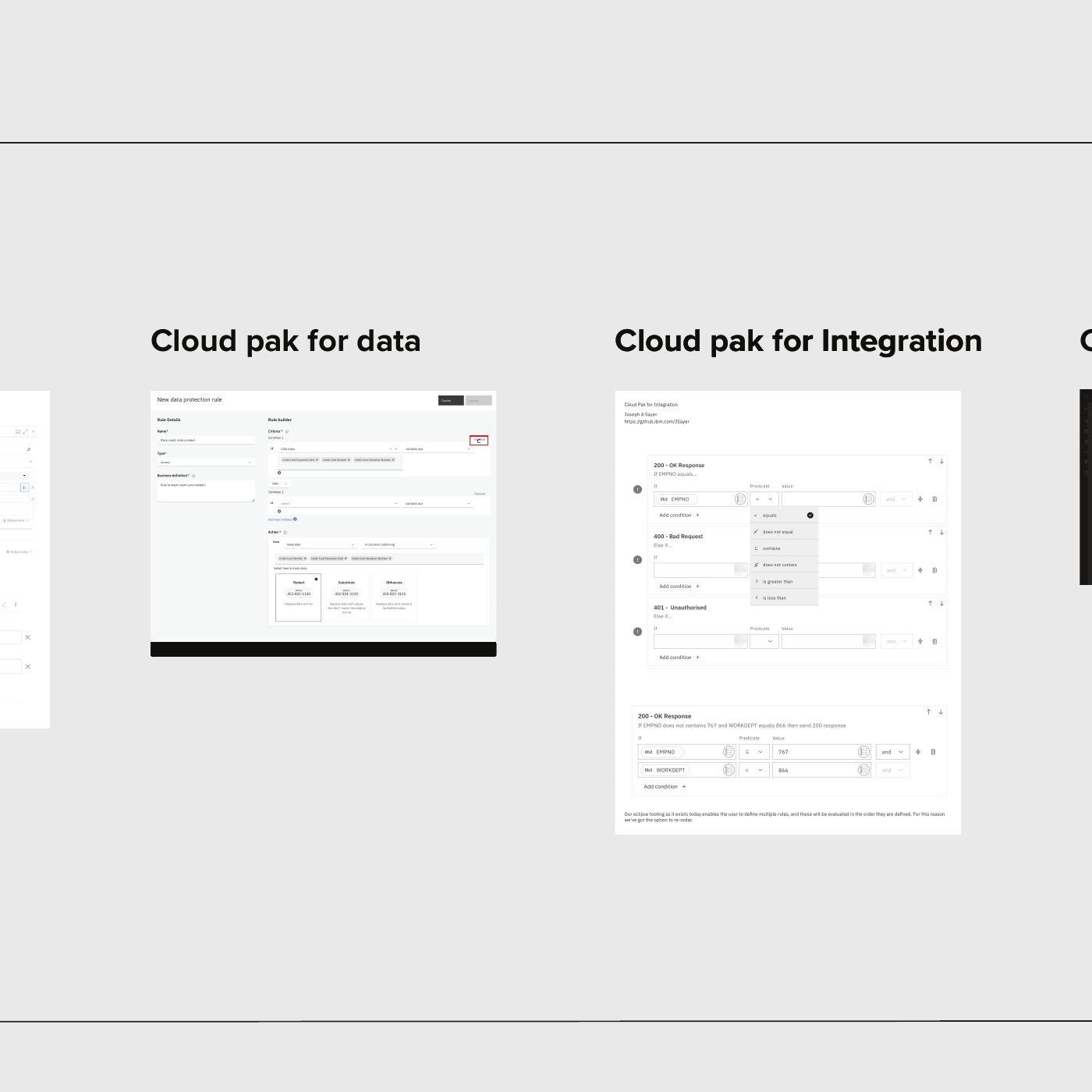
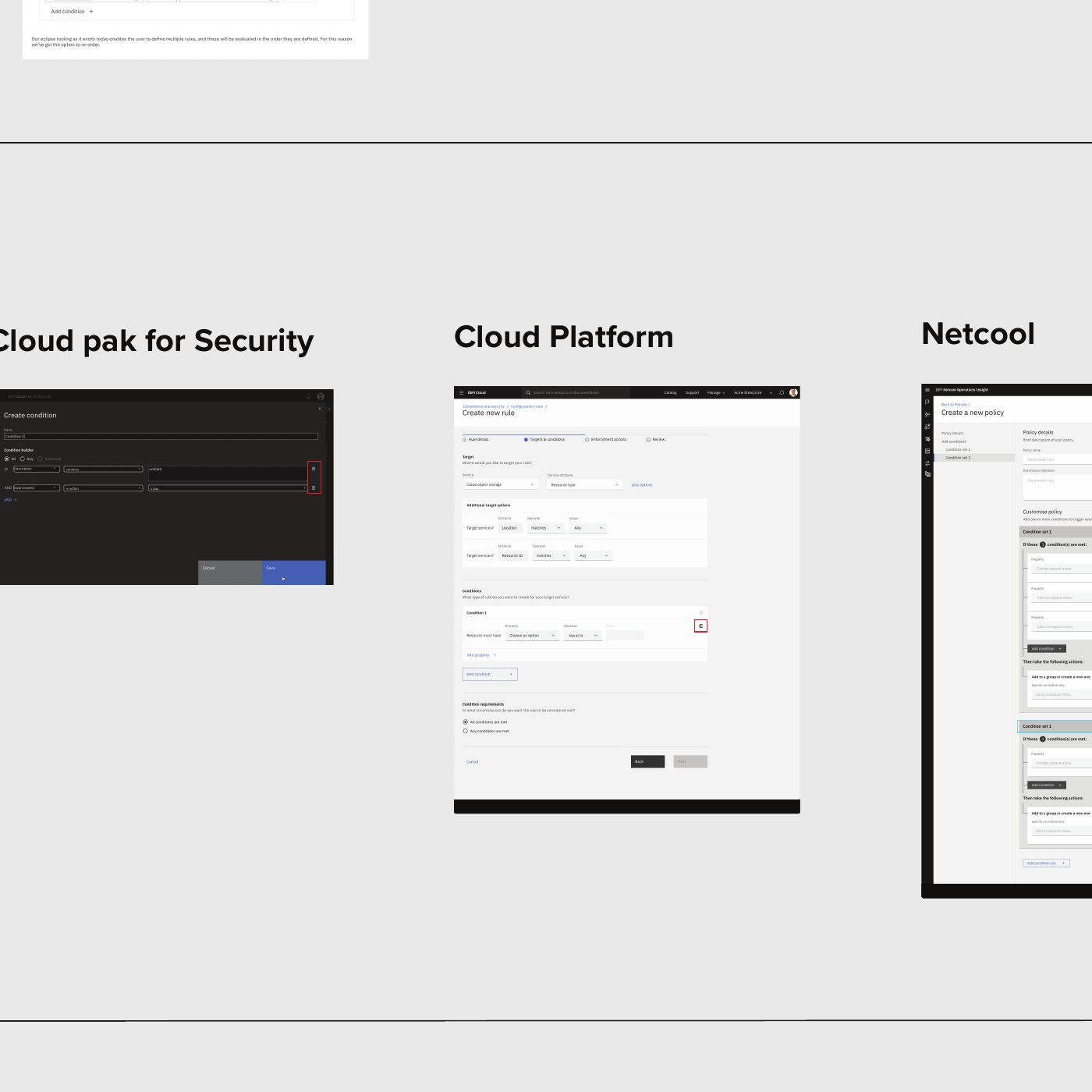
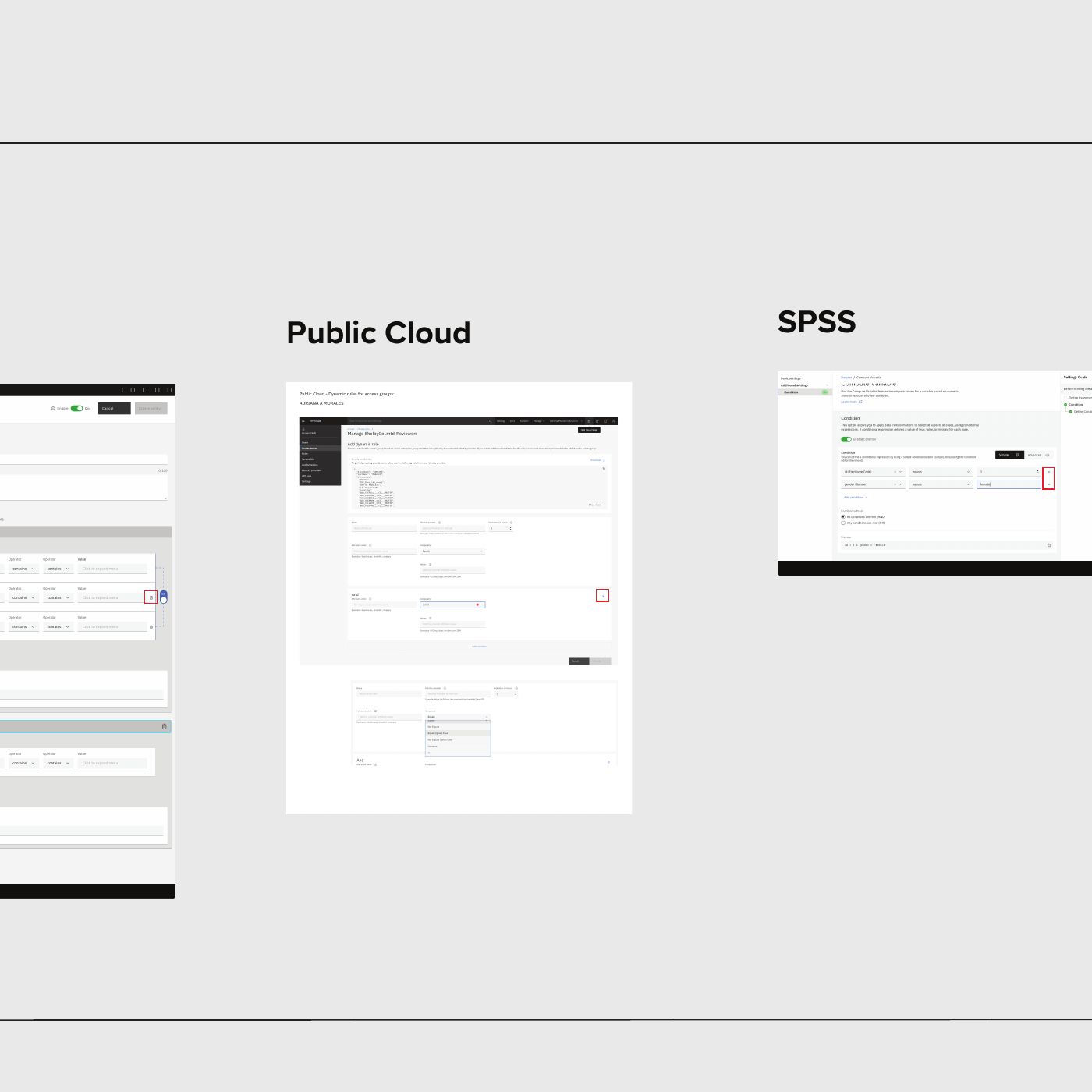
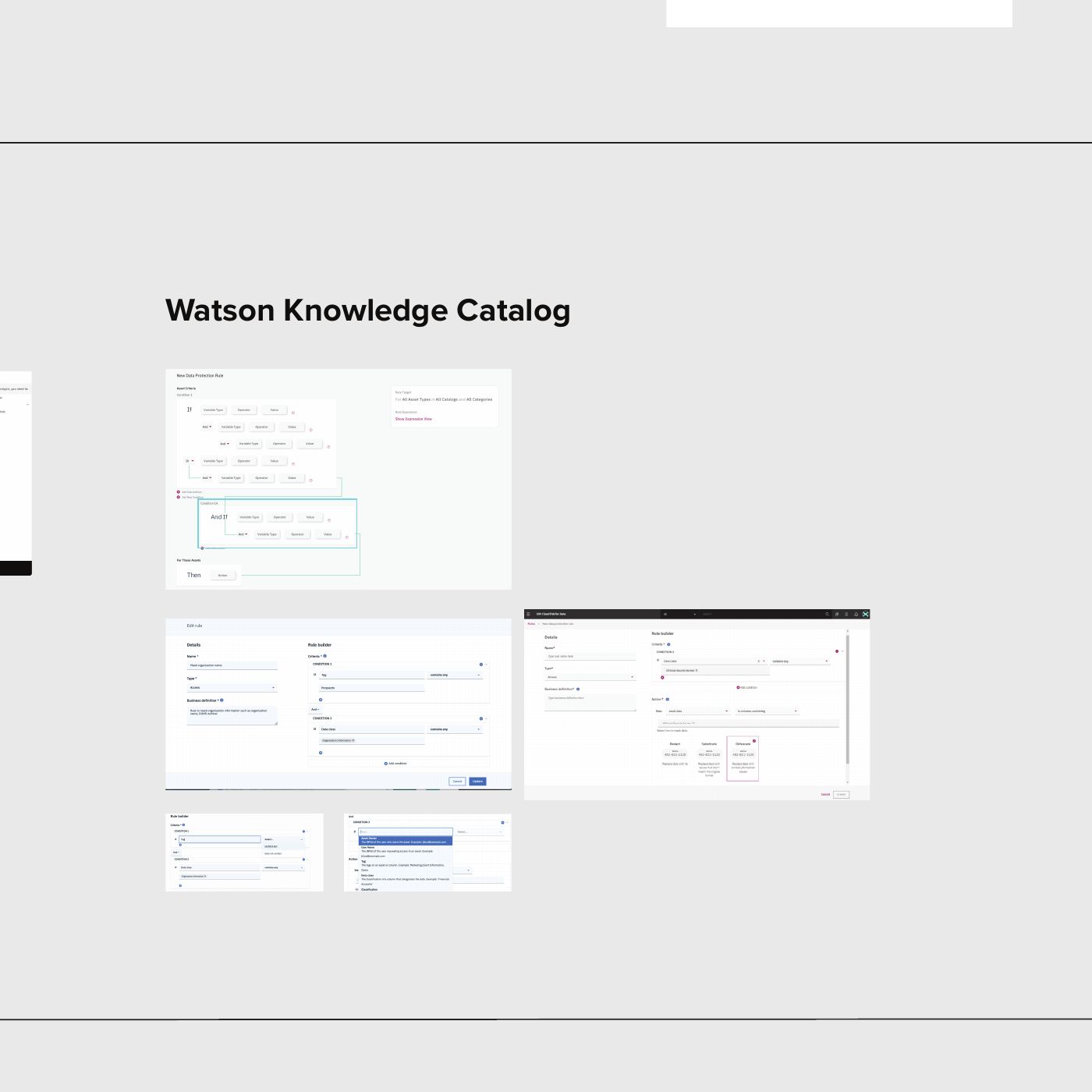
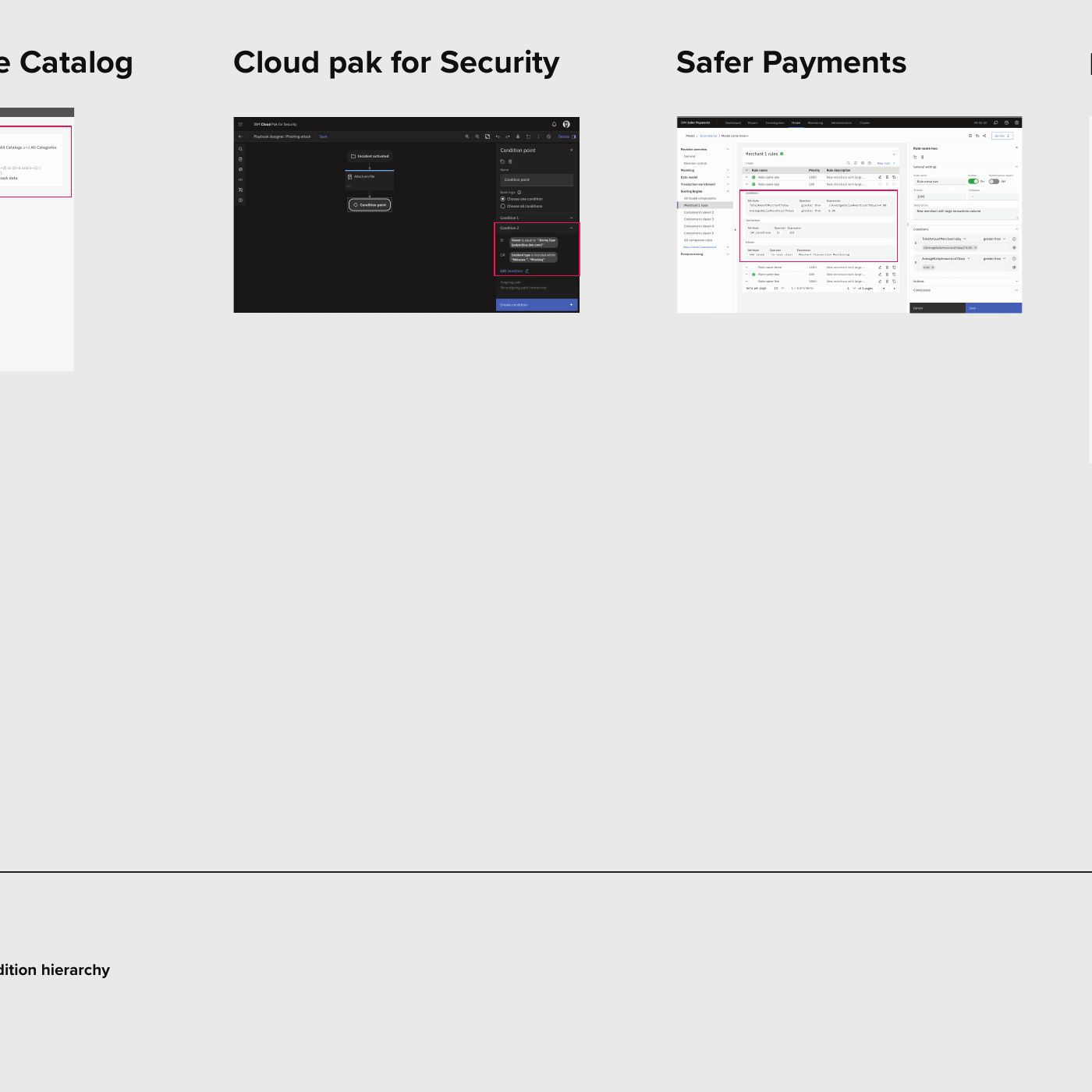
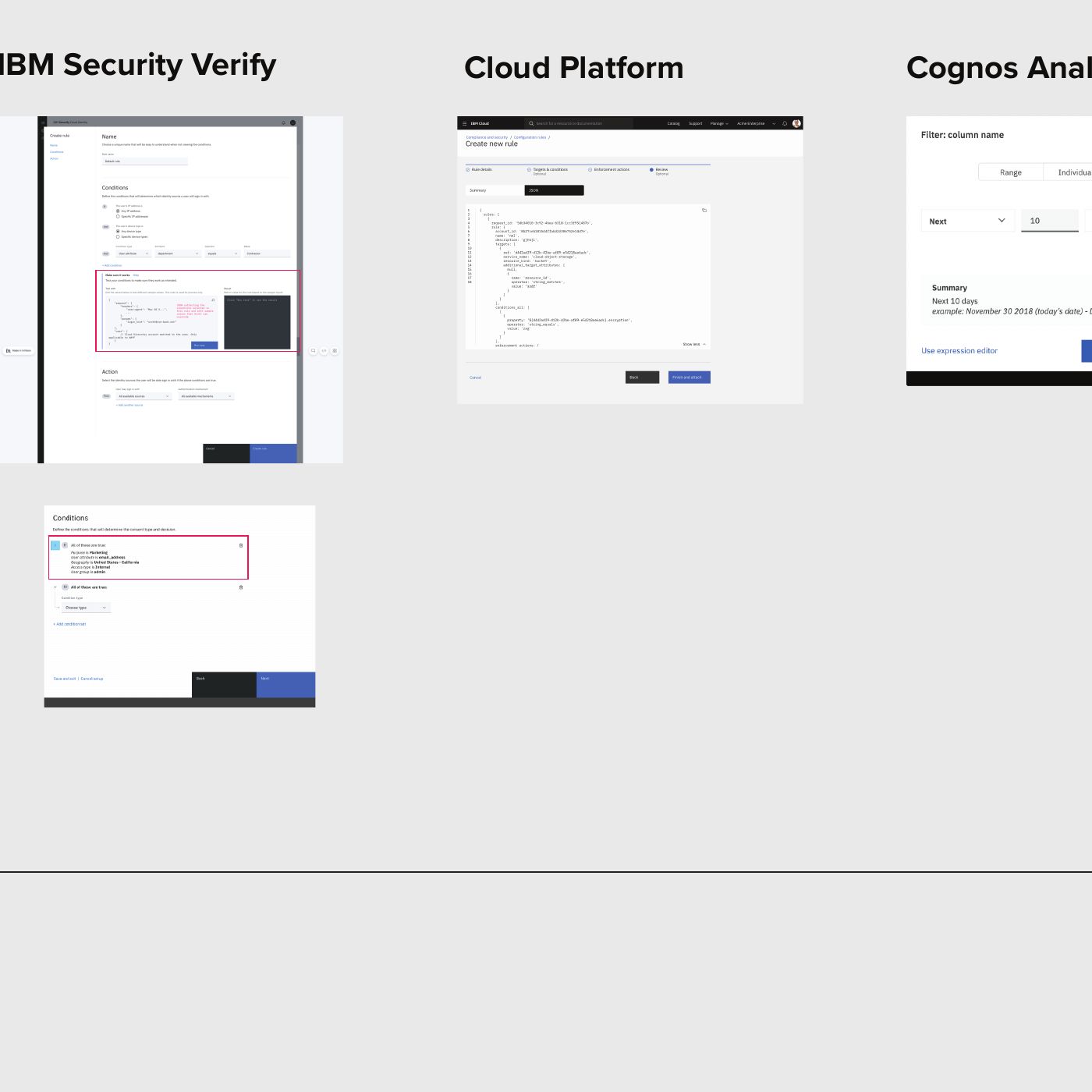
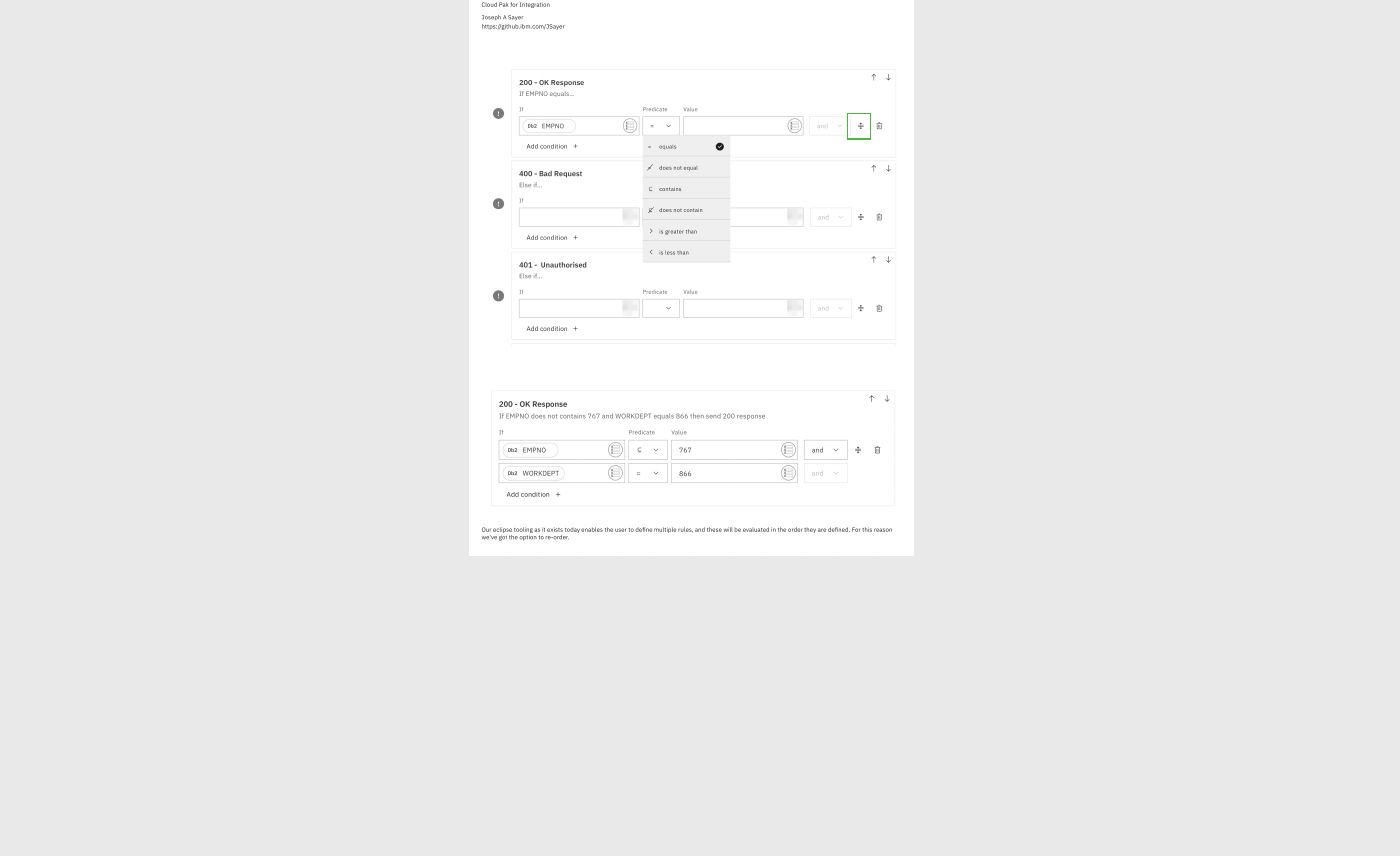
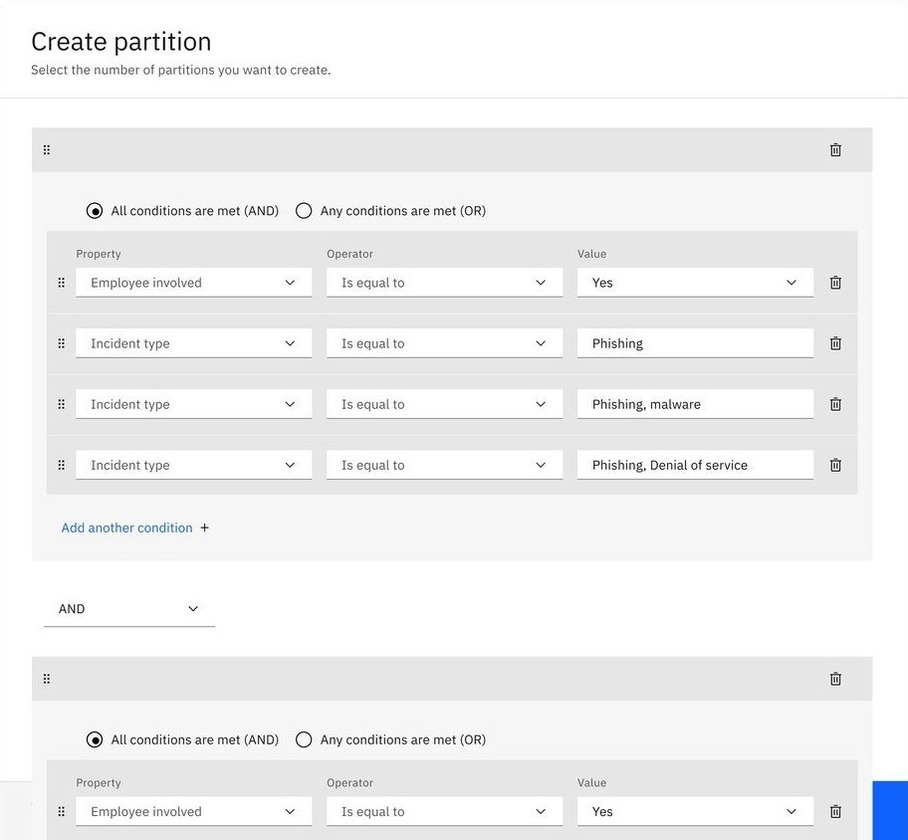
Audited 21 unique implementations across IBM Products to understand where patterns, behaviors, and logic diverged.
Product leads said they would adopt the shared component once it was ready
Brought designers and subject-matter experts together, challenged constraints that prevented a clear solution, and guided the work toward a shared component.
Feature combinations covered
by two variants
Designed two variants and authored usage guidance to help product teams apply and extend the component consistently.
Kick off
I designed a UI and UX workflow for one product team's condition builder. Other product leads saw it, recognized the same problem in their own products, and asked me to solve it across the organization. I volunteered.
This was a side initiative alongside my main role, and too big to do alone. A core group of five, including me, carried the work, and 12 people were involved over the course of the initiative. Everyone volunteered alongside their regular roles, so people sometimes stepped away when their product work needed them. I led the research and the communication with stakeholders, set the direction, and coordinated the work across the group.
Research
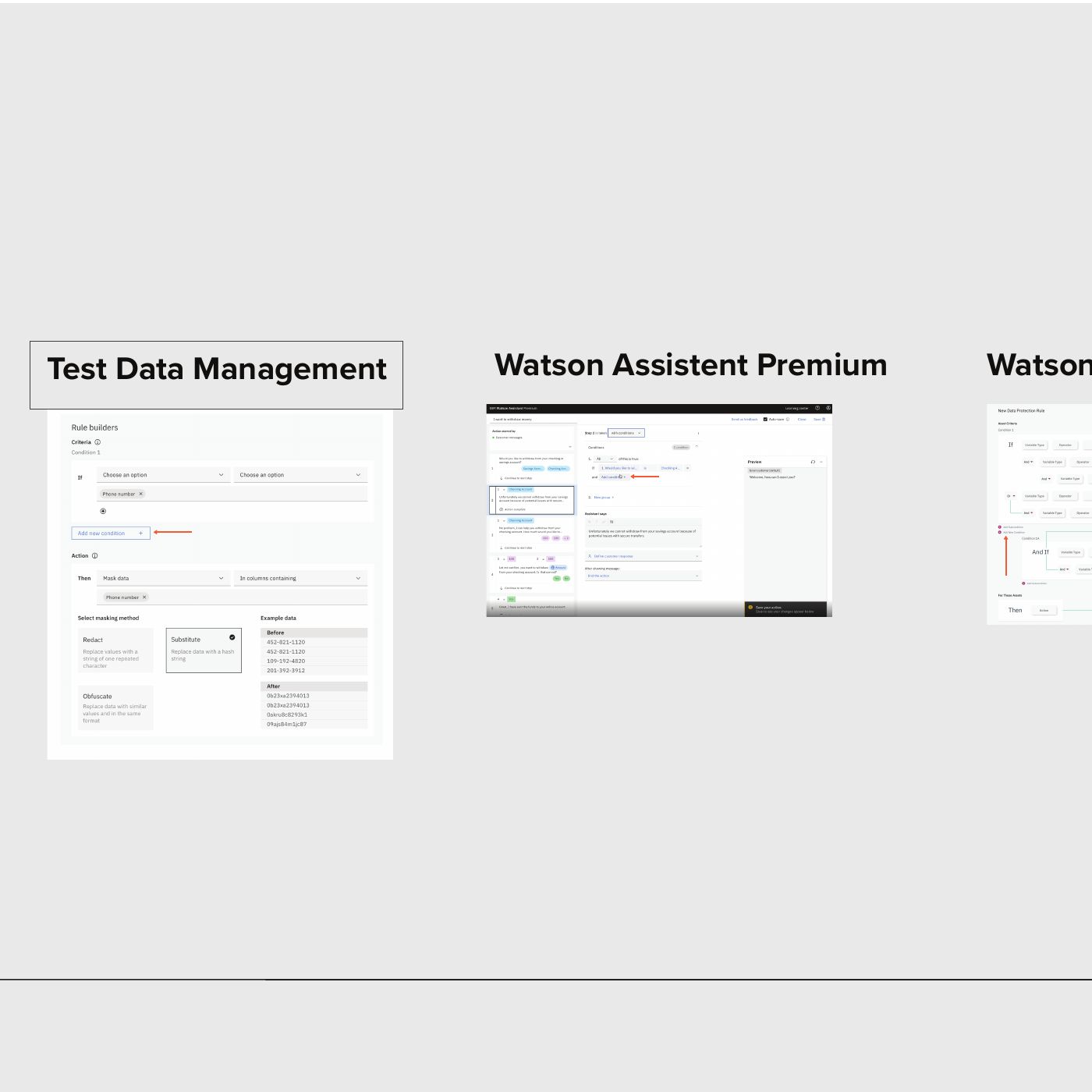
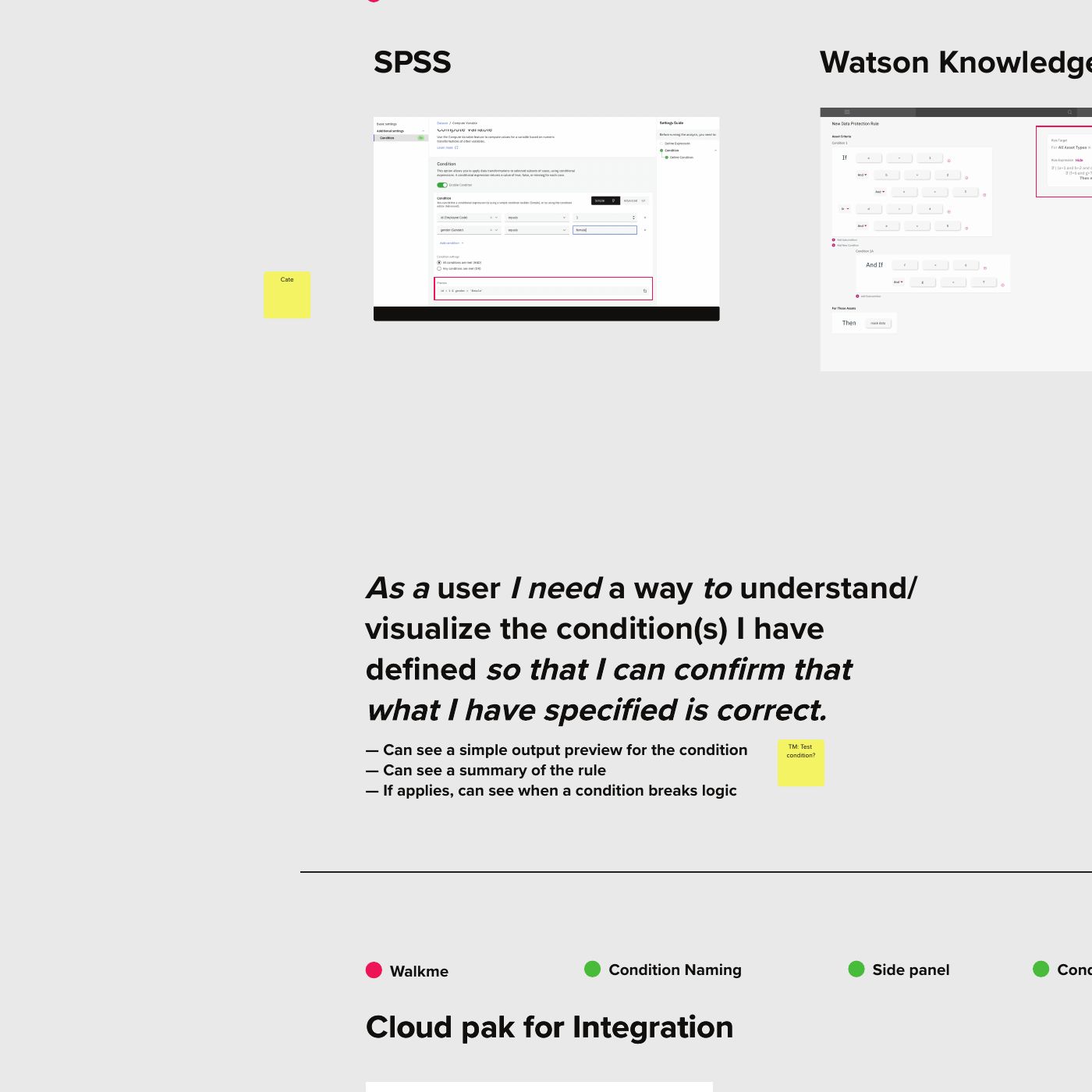
I opened a GitHub issue asking product leads to share screenshots of their condition builders. About ten arrived within two weeks. As more came in, it was clear this wasn't a quick fix. It was an audit of how a whole organization handled one of its most complex interactions.
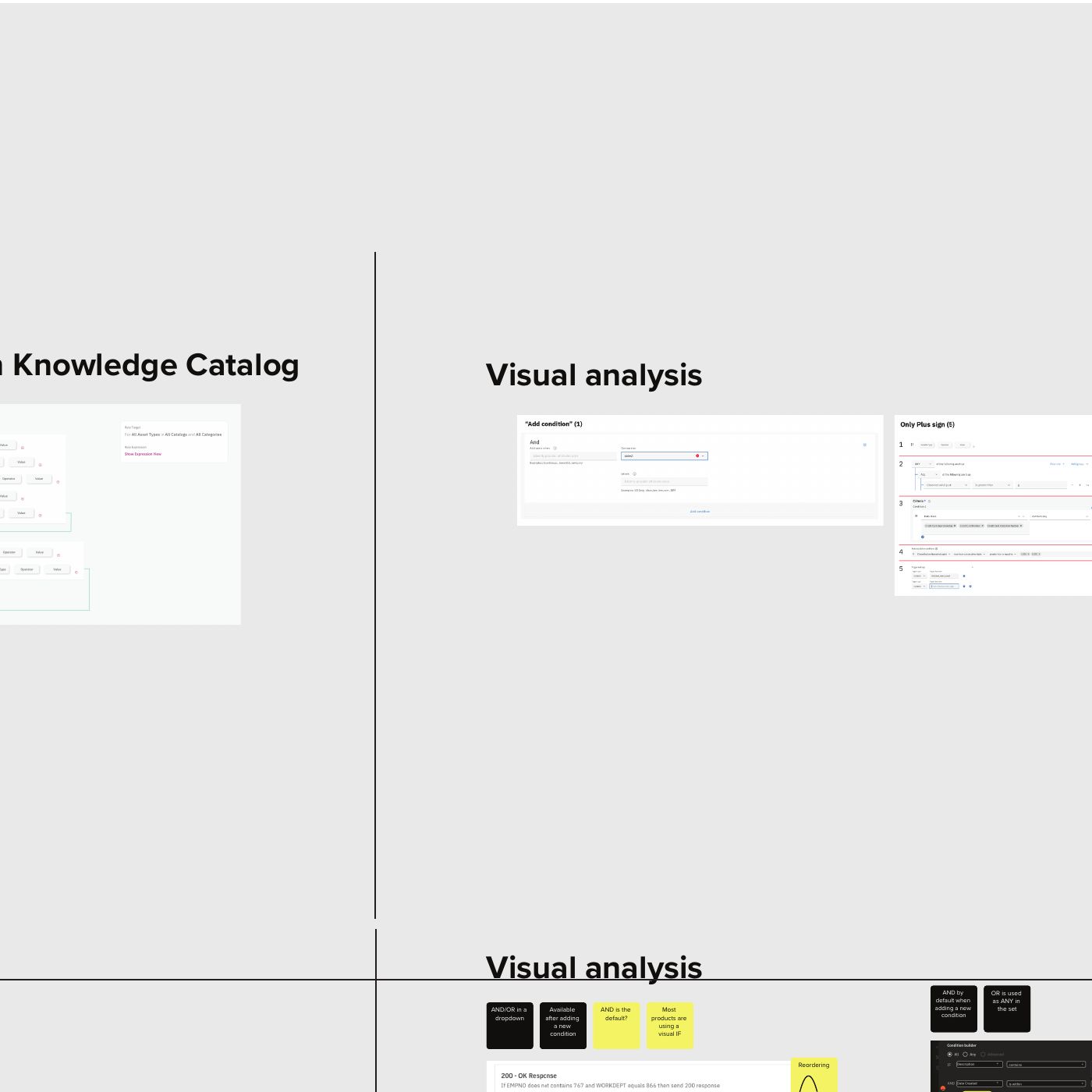
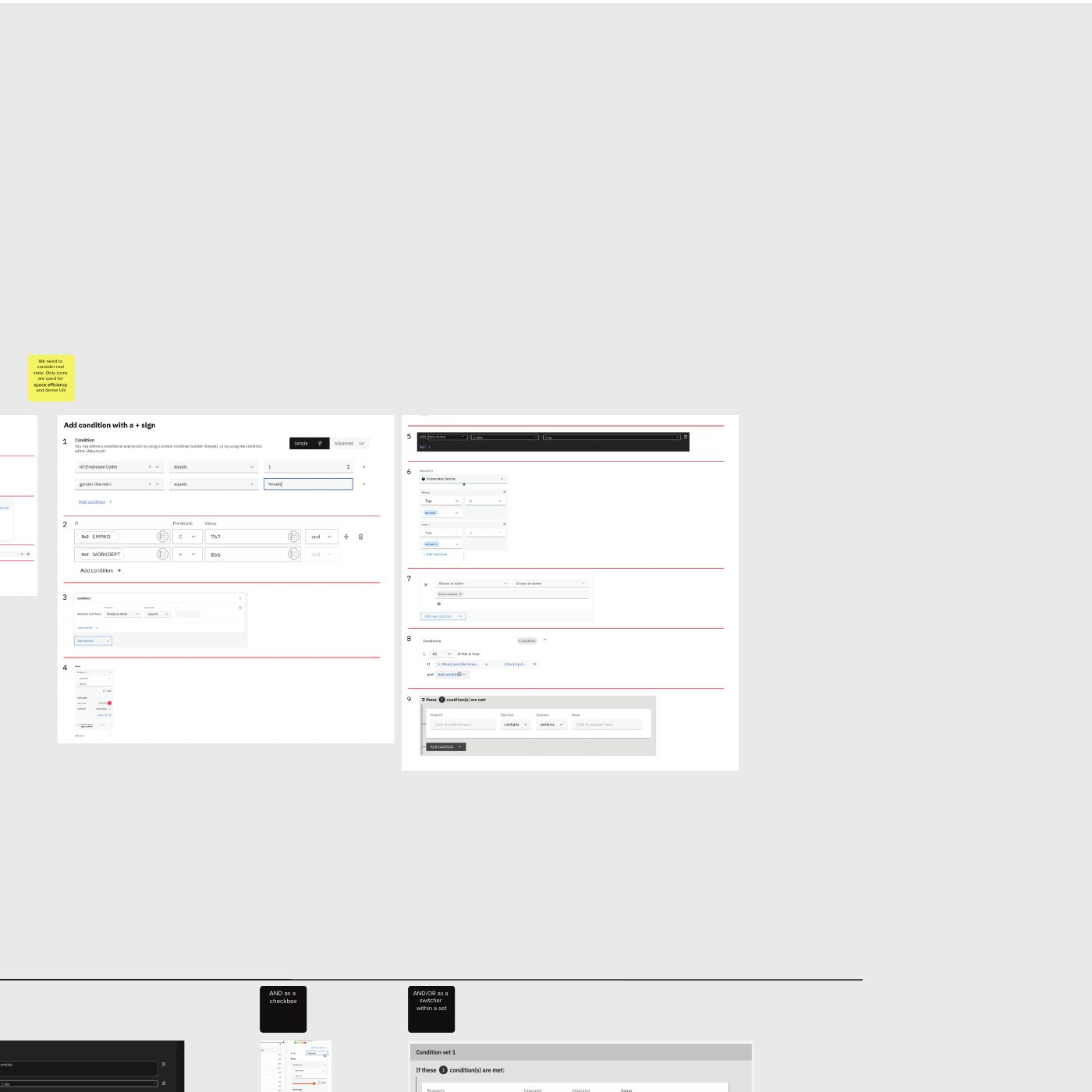
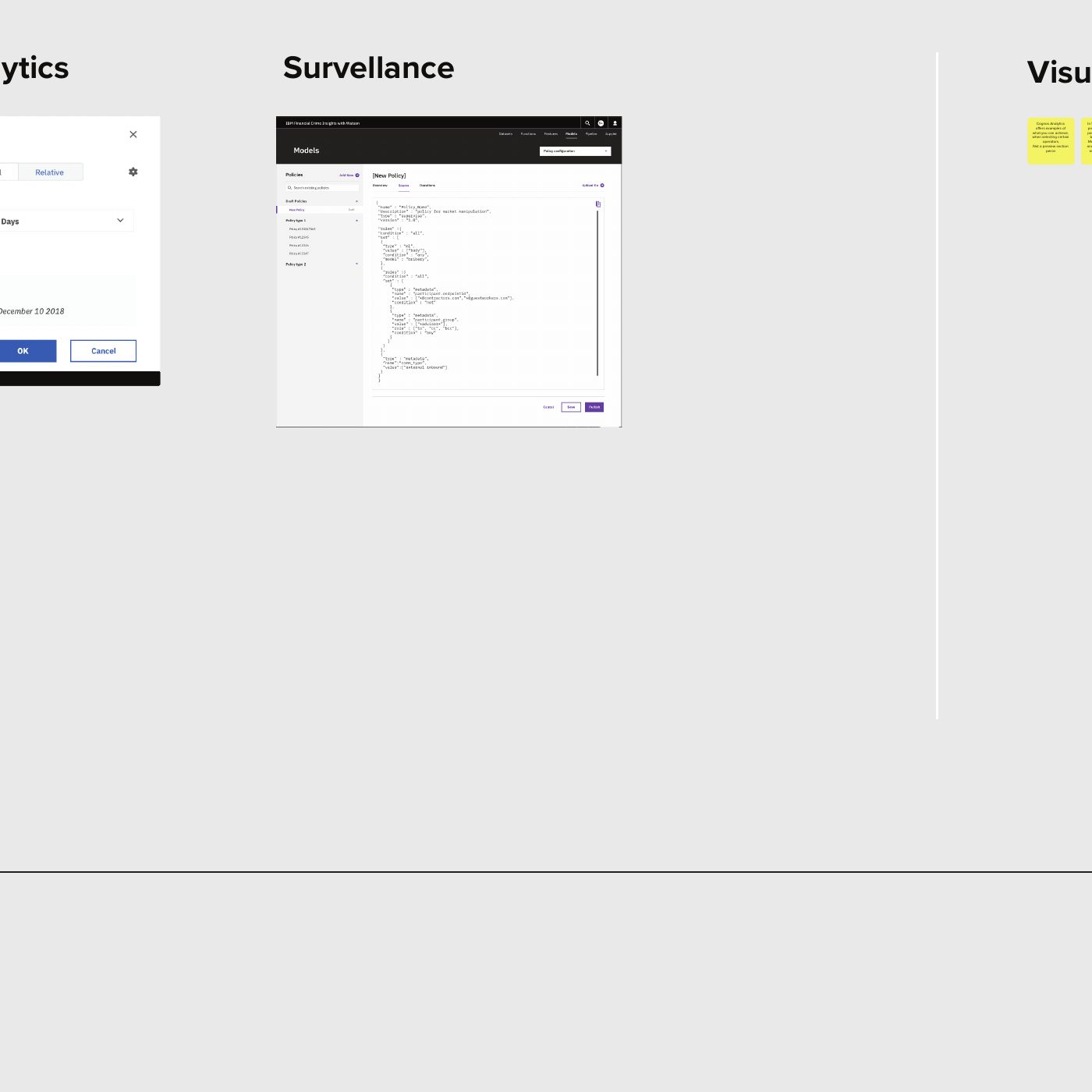
We collected 24 examples from across IBM Products. After reviewing them, we identified 21 unique condition builders, representing 12 combinations of features.
We explored, organized and validated how product teams across the organization use condition builders. We guided the work with IBM's Enterprise Design Thinking techniques.
An open call to product leads grew into 24 examples.
screenshots grew to 24
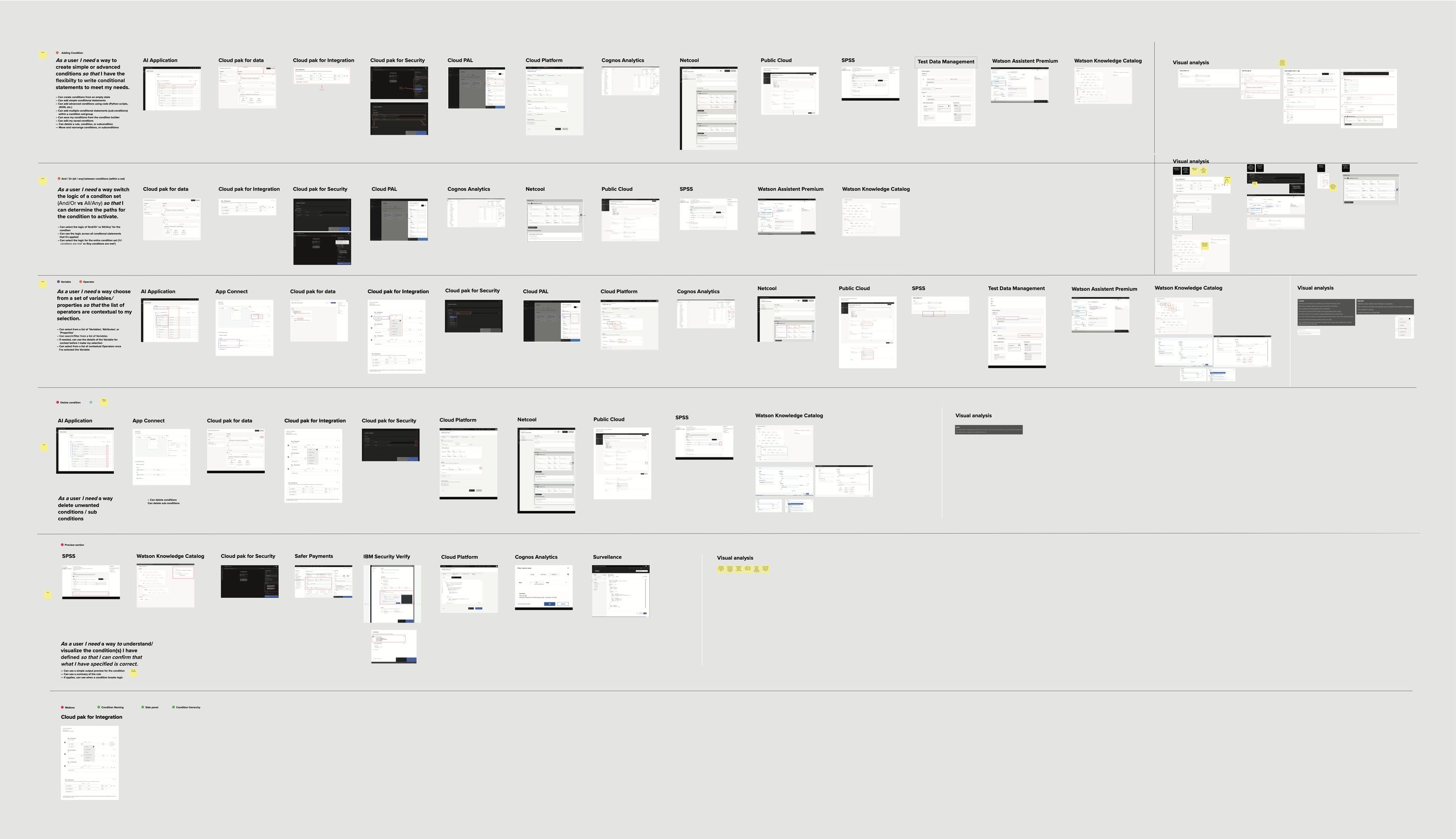
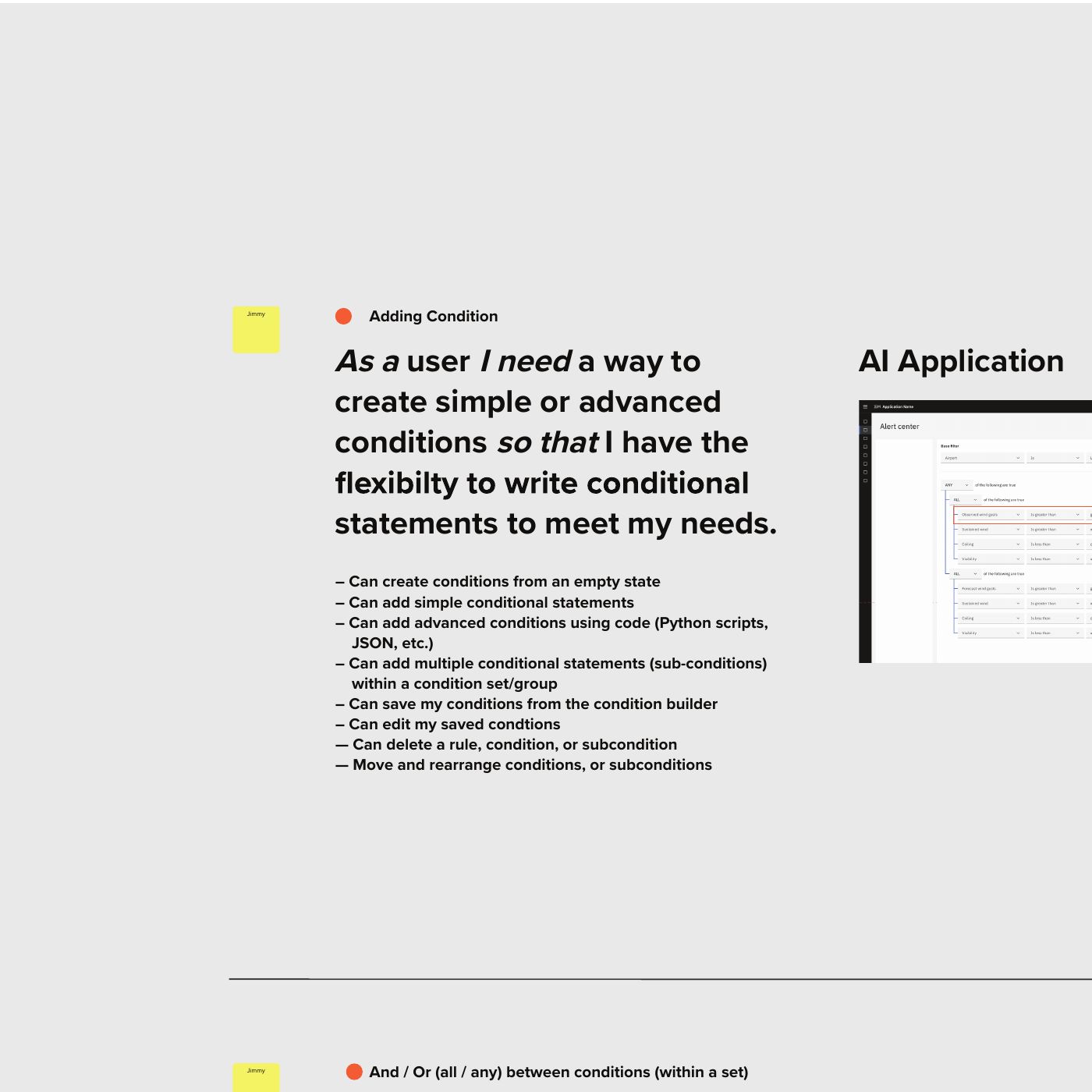
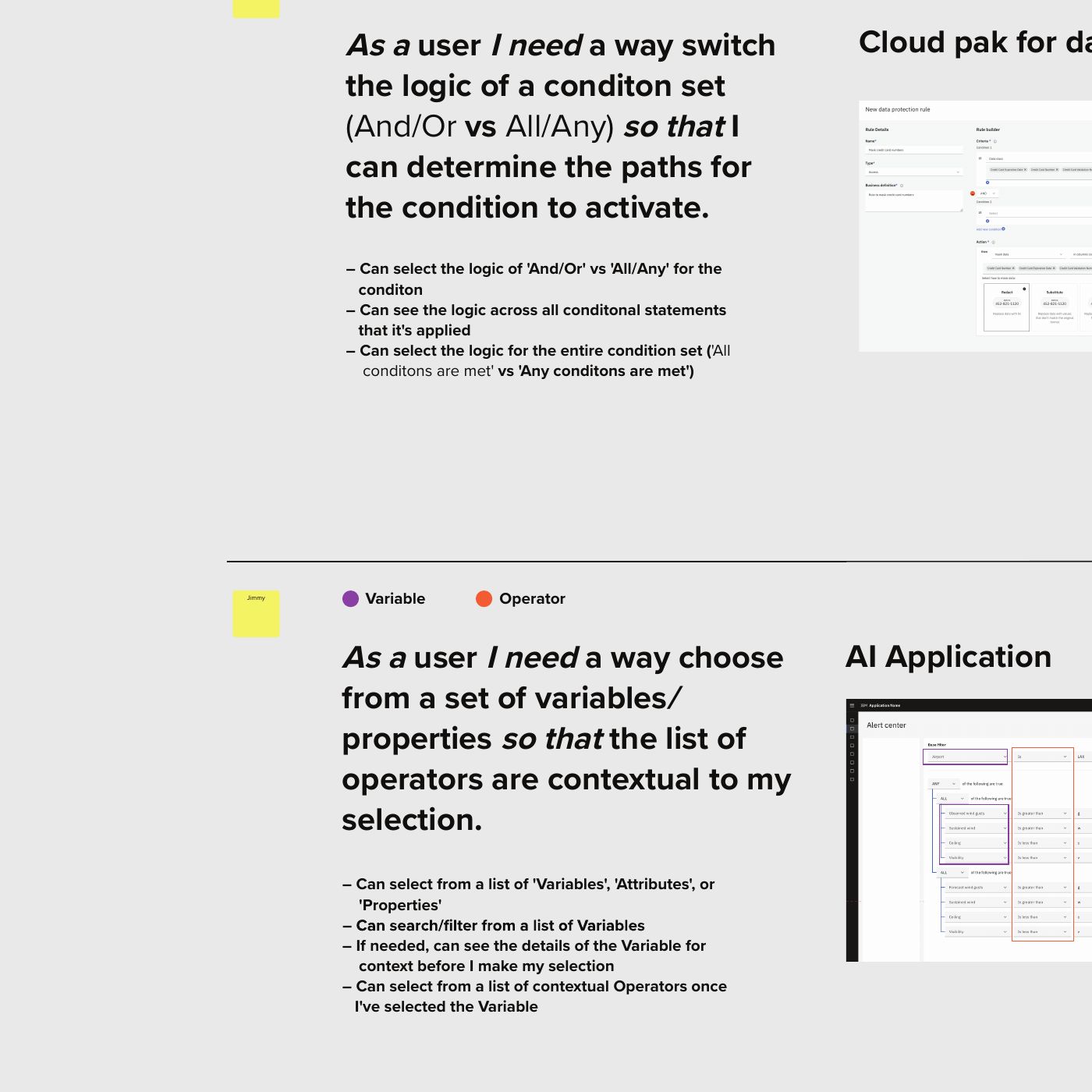
A Mural catalog: product, use case, UI, UX and code questions.
examples in one catalog
Workgroup designers checked each builder with its product's design lead to confirm the details and fill in the gaps.
unique builders
Every builder was broken into features, actions and influencers, then grouped by what it does.
feature combinations


The use cases in the Mural, grouped into the main features we found. Tap the button to read each row.
Every product built its own
“We have all these products using basically the same pattern,
but with different components
and nomenclature.”
Why even experts get lost
“Even people with years of experience were still really confused when building a condition.”
The same rule at different levels of complexity
“We’ve all approached it in different ways, but they’re all essentially
saying relatively the same rule,
with more or less complexity.”
What to call each part of a condition
“The one term that stands out
is “attribute”. We tested it for about three months, and it didn’t work.”
Advanced conditions for business users
“Sometimes you need to write something technically advanced, but you’re on the business side. With a bit of framework or structure, you can do it.”
Key findings
The research revealed five key insights that shaped the direction of the work, shifting the focus from the 21 interfaces teams had built to the one logic they all share, and how to make it clear and reusable across IBM Products.
Behind 21 different interfaces, every condition builder produced the same output: a Boolean expression that resolves to true or false. So the component didn't need to copy any one team's interface. It needed to get the logic right, then make the logic readable.
Just 12 combinations of features covered all 21 builders, so we had 12 internal customers to design for.
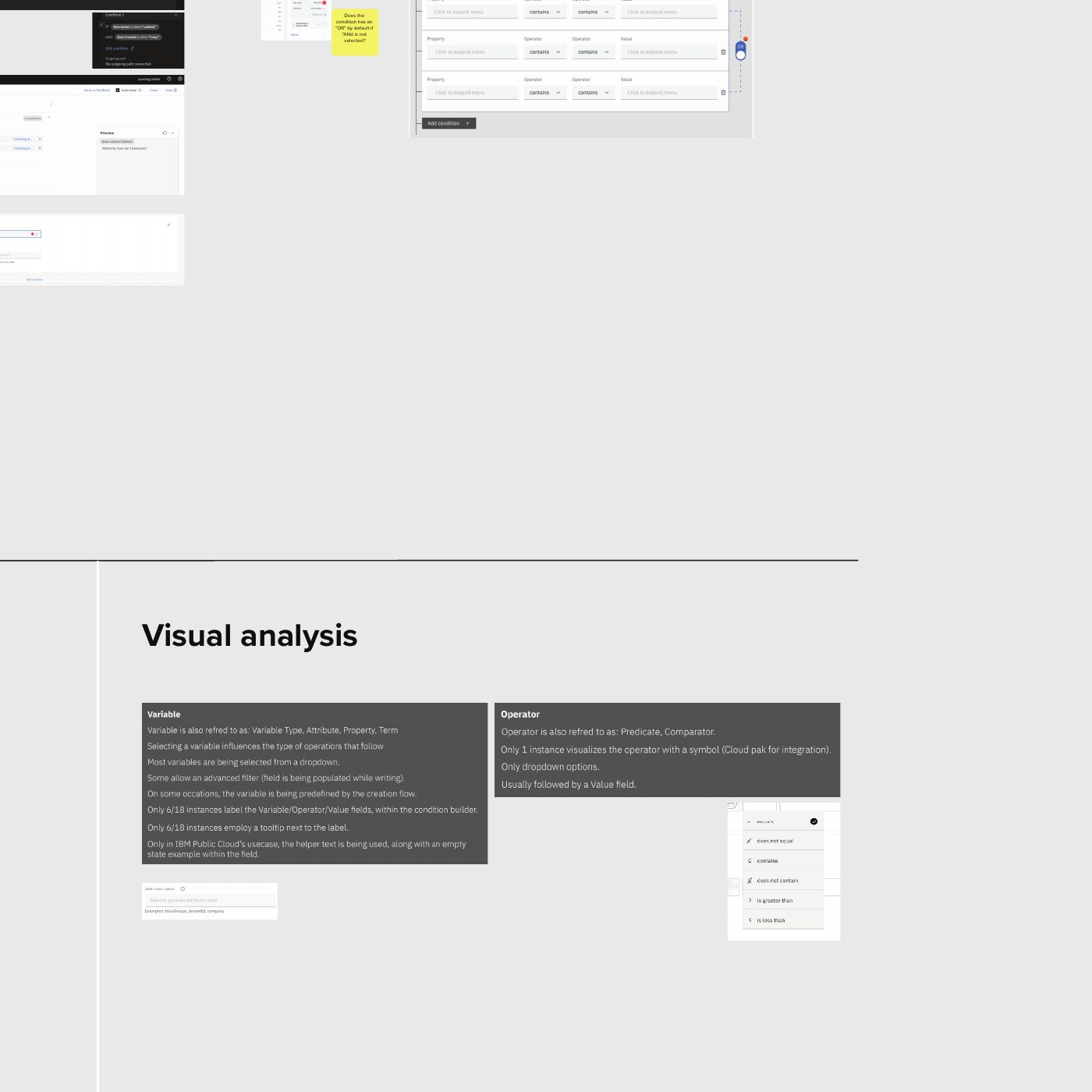
The same element was called a variable, an attribute or a property, depending on the product.
Long rules and nested groups were hard to read and easy to get wrong.
We asked product leads whether they would adopt a shared component tomorrow. 9 said yes.
Designing the solution
We started with one rule: build only from existing Carbon and IBM Products components. It's the right default. It's the same contribution mindset I was developing in parallel, and it keeps a design system healthy.
Designers across the workgroup produced concepts. After about six iterations, meetings, stakeholder presentations and playbacks, we couldn’t sign on any one direction. The rule that we started with held us back because no available component from the library could simplify the need of this component.


Five concepts, A to E. Use the button to compare them side by side.
Five concepts, each built only from existing Carbon and IBM Products components, shown side by side. Select the image to zoom in.
We stopped treating the rule as an absolute limit. Dropping it meant we could write our own, and we started with what a condition builder must have, based on what we had learned.
First, we defined what a condition builder is. Every condition builder in the library generates a boolean expression, so that became the common ground. Then we listed the functions a builder needs to work, from adding and deleting conditions to nesting, reordering and validation. That list became our release plan.
The audit also showed that 21 builders were really 12 unique combinations of features, so we designed for those 12 internal customers.
Three principles came out of that work:
Condition builders get messy quickly. Cut visual clutter, show only what's needed, and keep the user's focus on what matters.
Condition builders are technical by nature. Give people a comfortable way to read a condition and understand it. Design for humans first.
Condition builders can be simple, or they can drive advanced calculations. Cover the whole range.
With those principles, we moved to a custom design. Nine product leads said they would adopt the shared component once it was ready, helping demonstrate demand and secure dedicated resources for the initiative.
With the audit, the vocabulary and five iterations behind us, the new direction came together quickly.
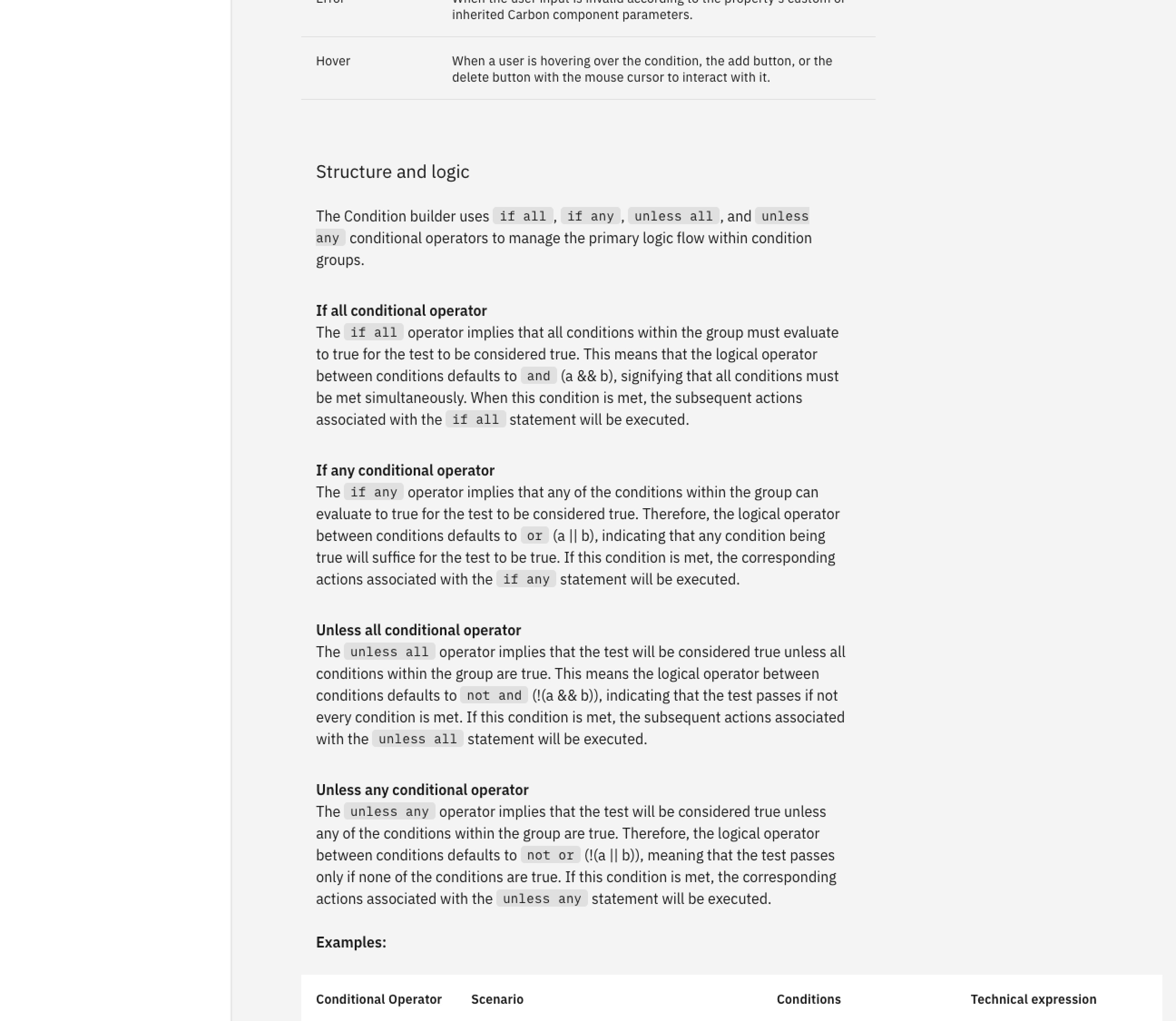
Every group of conditions starts with a conditional operator, chosen from a menu of four. Each one pairs if or unless with all or any. The group itself only shows "if" or "unless". The all or any choice appears as the logical operator, the and/or between conditions. It is locked to the conditional operator, so a statement can't become ambiguous. Mixing logic takes a sub-group.
The original design had two operators, if and exclude if. A proposal to expand them to "if all of / if not all of…" was logically correct but read poorly.
When one set of conditions sits inside another, the relationship can become difficult to follow. We use nested groups and order to make that structure visible at a glance.
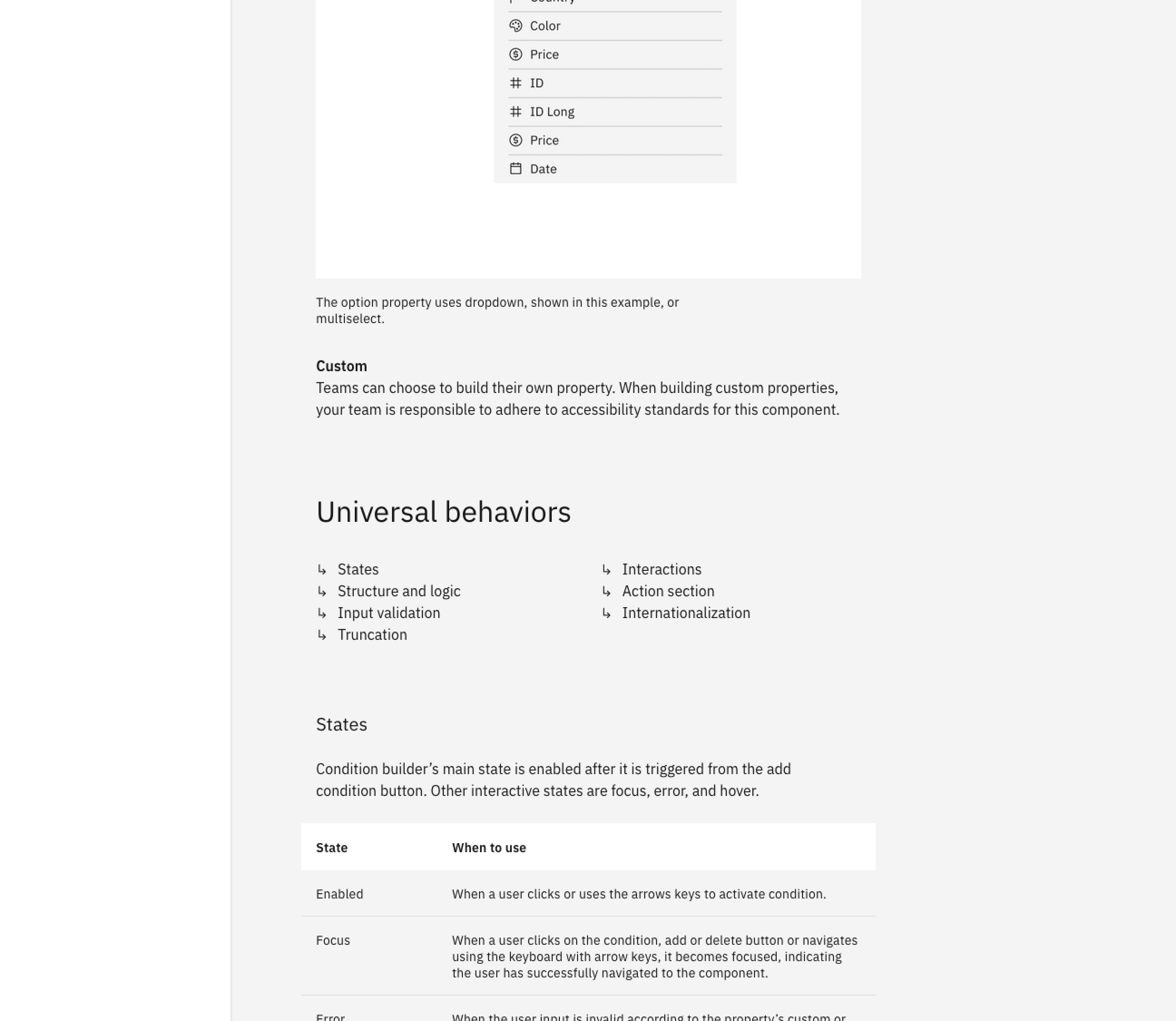
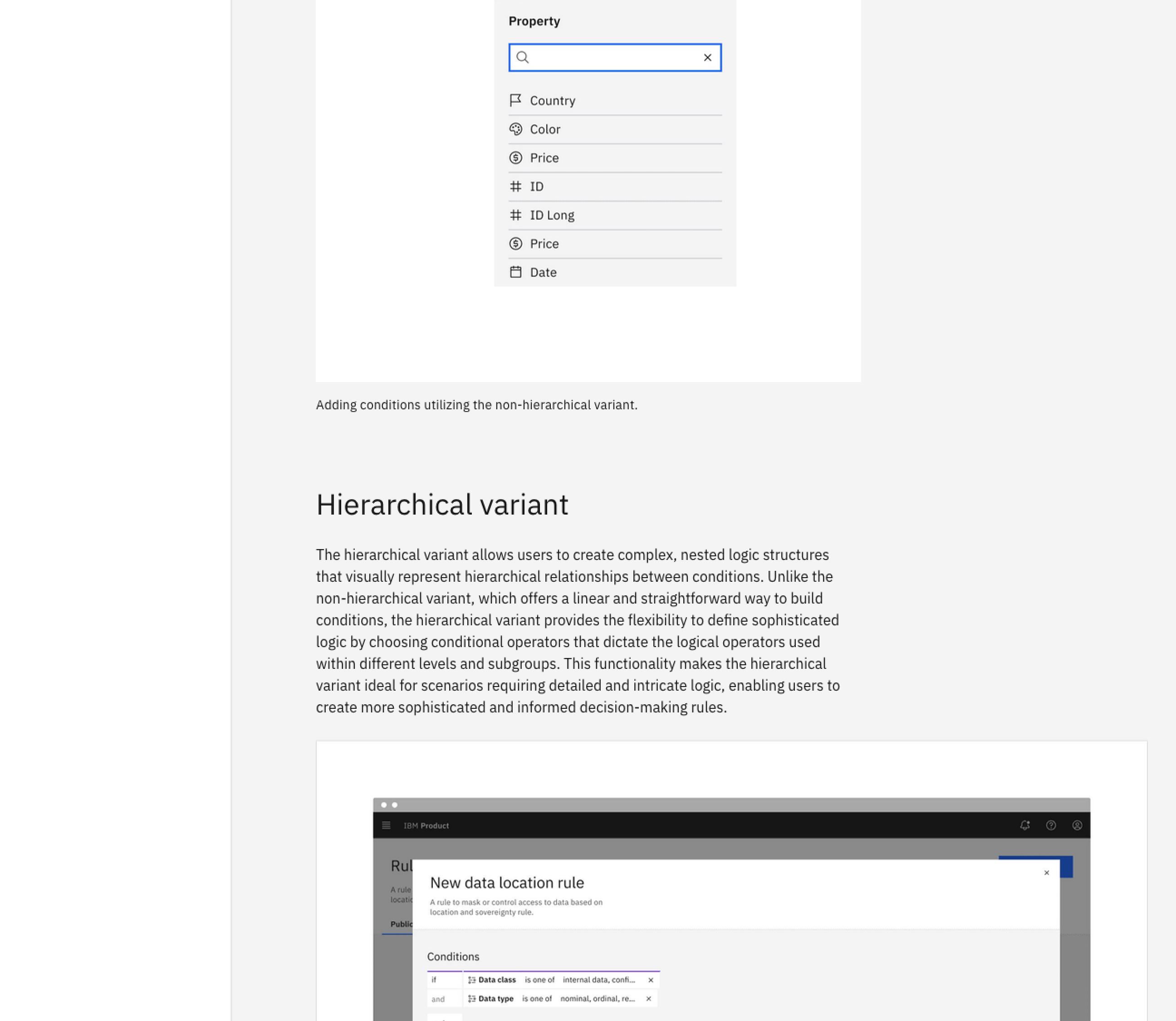
Each condition is built as a sentence: property, operator, then value. Popovers progressively reveal each choice, with available operators adapting to the data type.
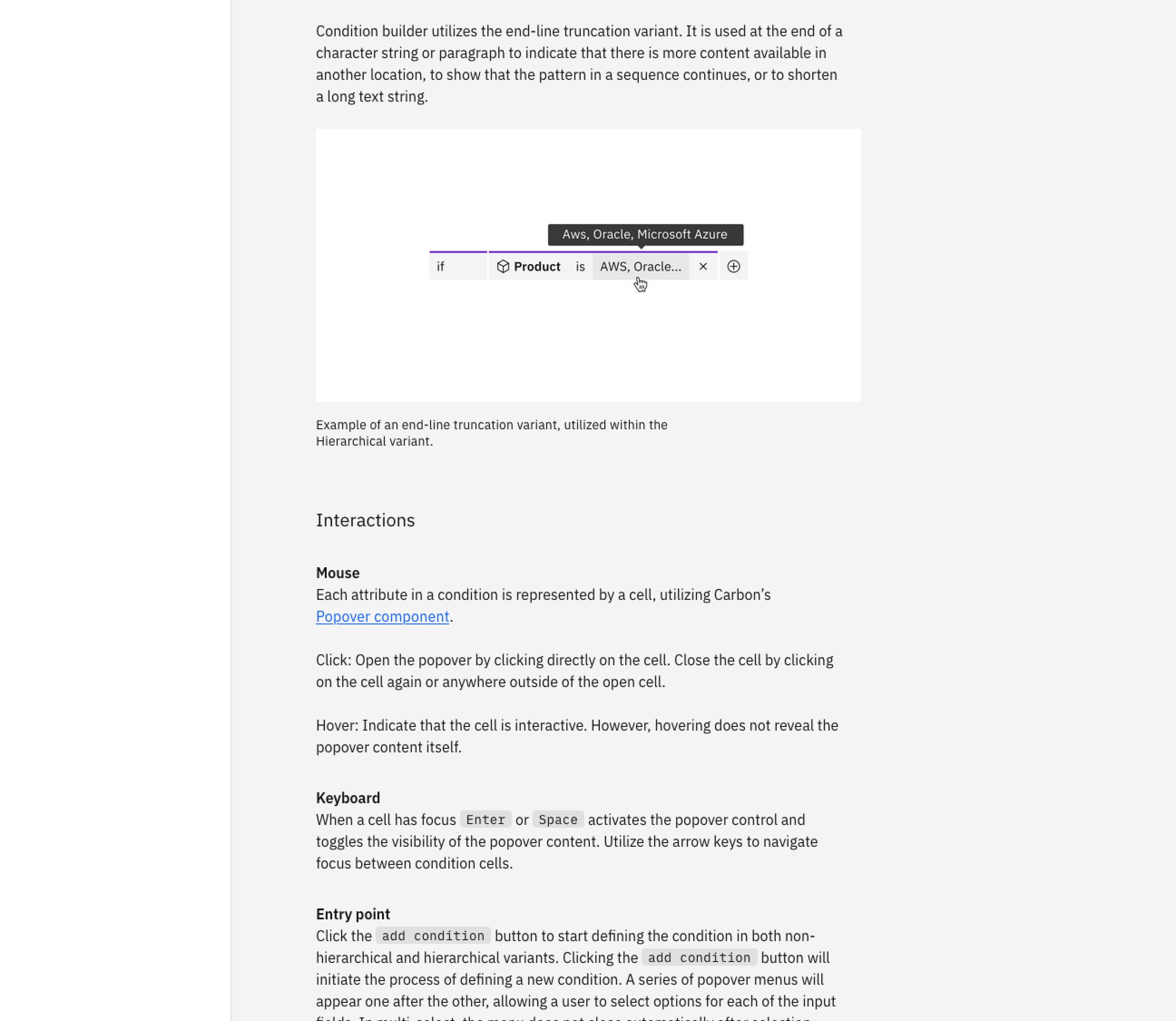
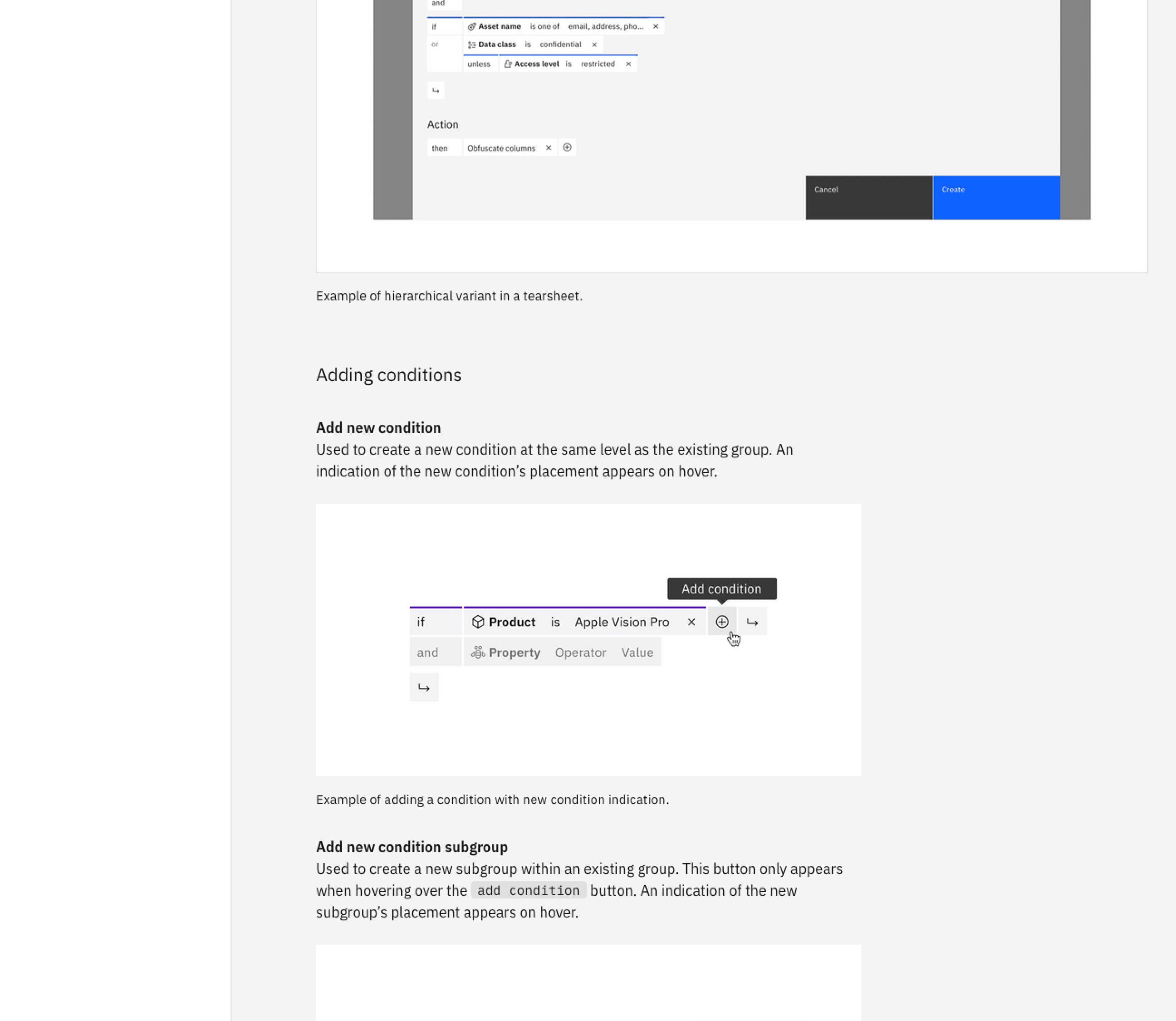
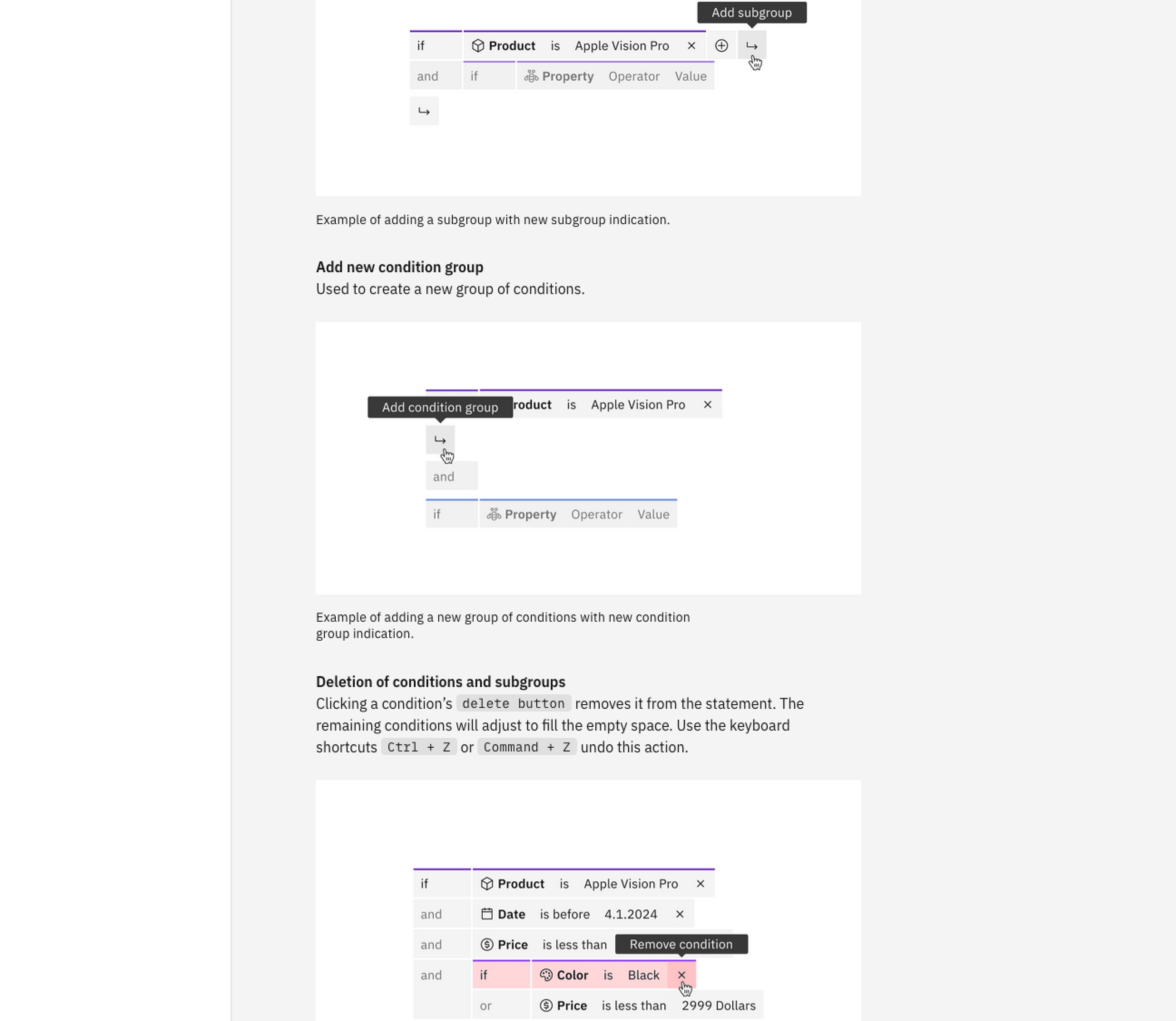
In the hierarchical variant, hovering over "add" shows where the new condition or group will land. In advanced conditions, that preview shows where the next condition appears and how.
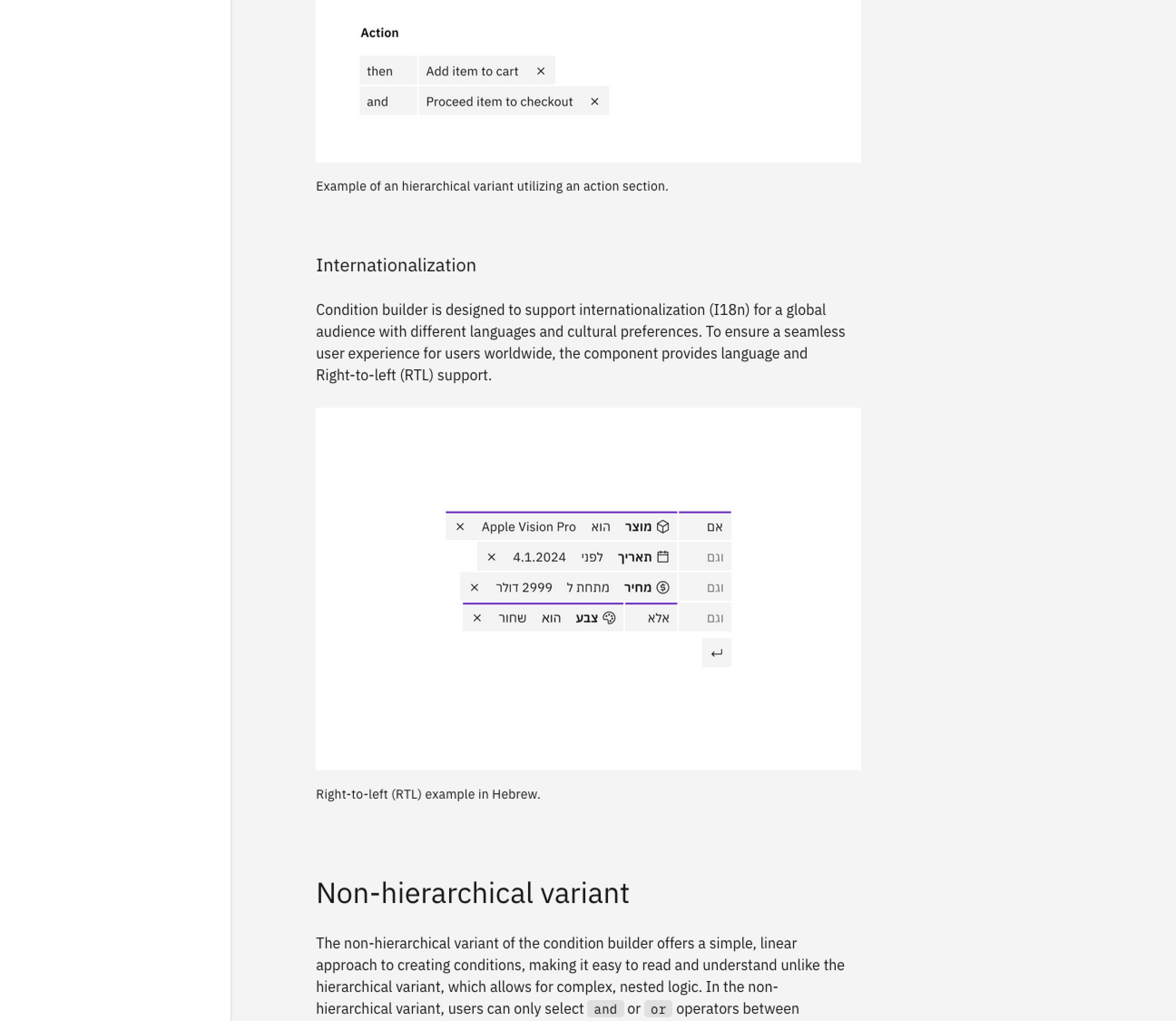
Simple, readable and flexible wording gives an efficient way to build and express complex conditions. Short, concise phrasing reduces cognitive load and aids localization.
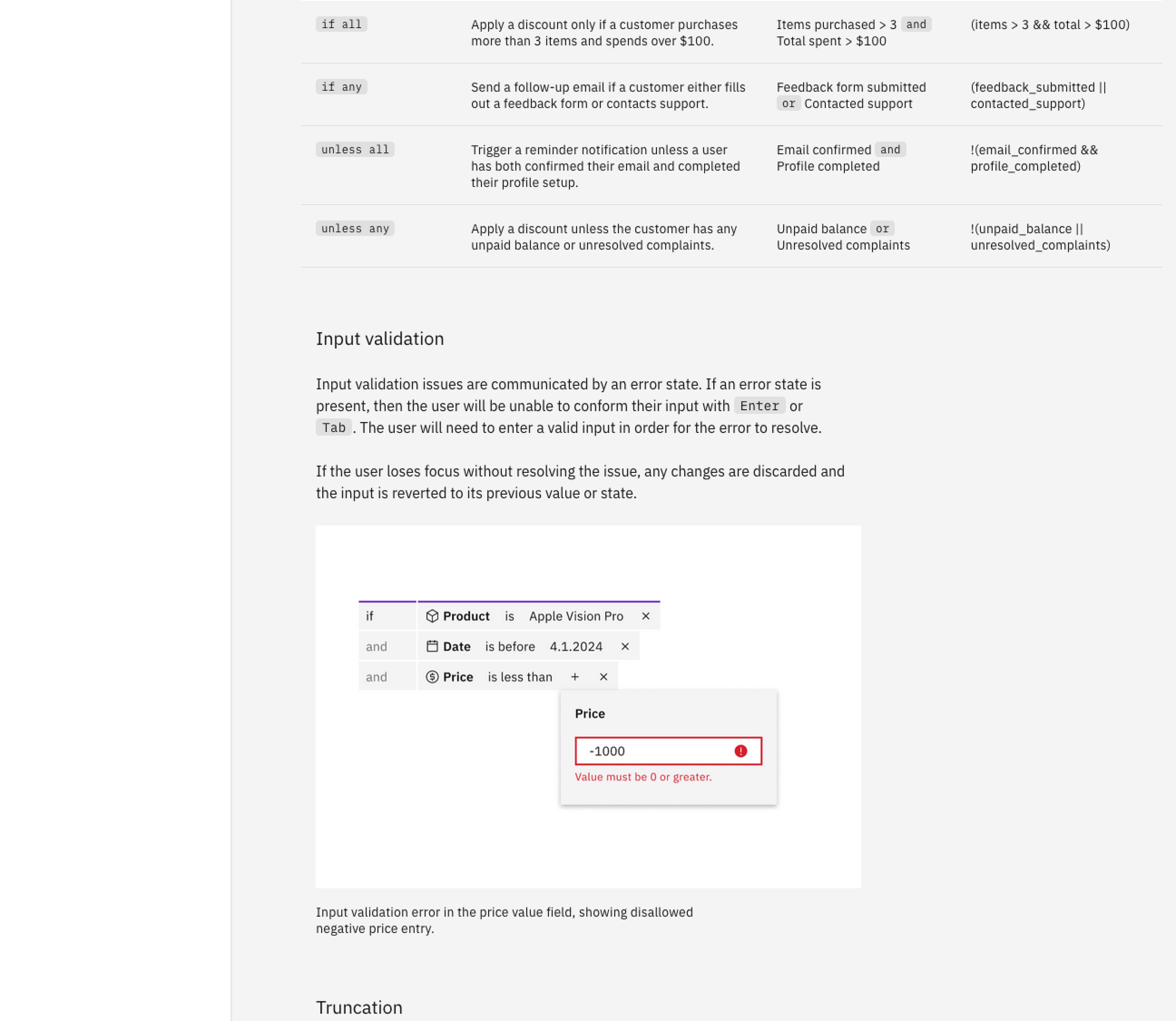
The component can't know every product's errors, so each consuming team owns its own validation messages.
We tested a working prototype with product users, Carbon designers, developers and accessibility designers. Their feedback shaped the logic model and the release plan. Along the way we solved key challenges, including keyboard navigation and accessibility in advanced conditions, resulting in a complete, reusable component.
We tested a working prototype with product users, Carbon designers, developers and accessibility designers.
Feedback shaped the logic model, states, validation and layouts for both variants, and helped us solve real use cases and edge cases.
We redesigned keyboard navigation and aligned advanced conditions with accessibility requirements, along with naming and guidance.
The design was translated into code and published as a complete, reusable component with documentation, examples and testing guidance.
The design
What began as an effort to unify 21 condition builders became one component with two variants, from a simple sentence to nested groups of conditions. I also wrote its official usage guidance: the rules for how it looks, reads, behaves and extends, so every team that uses it stays consistent.
Below: the component as it shipped, presented the way its official guidance presents it. The two variants side by side, the anatomy they share, then two examples in context. The Storybook and the guidance are available to view at the bottom of this section.
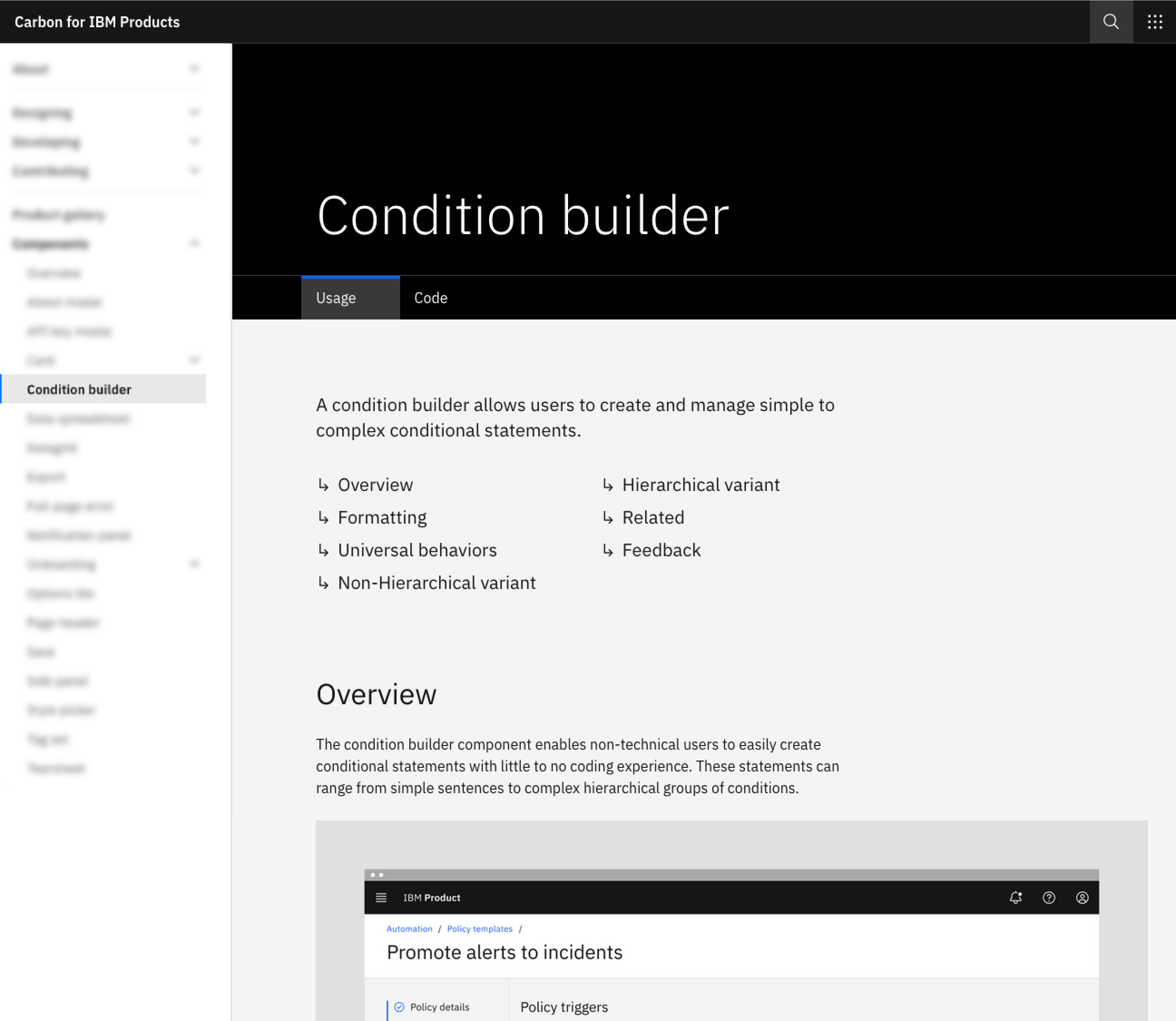
Enables non-technical users to easily create conditional statements with little to no coding experience. These statements can range from simple sentences to complex hierarchical groups of conditions.
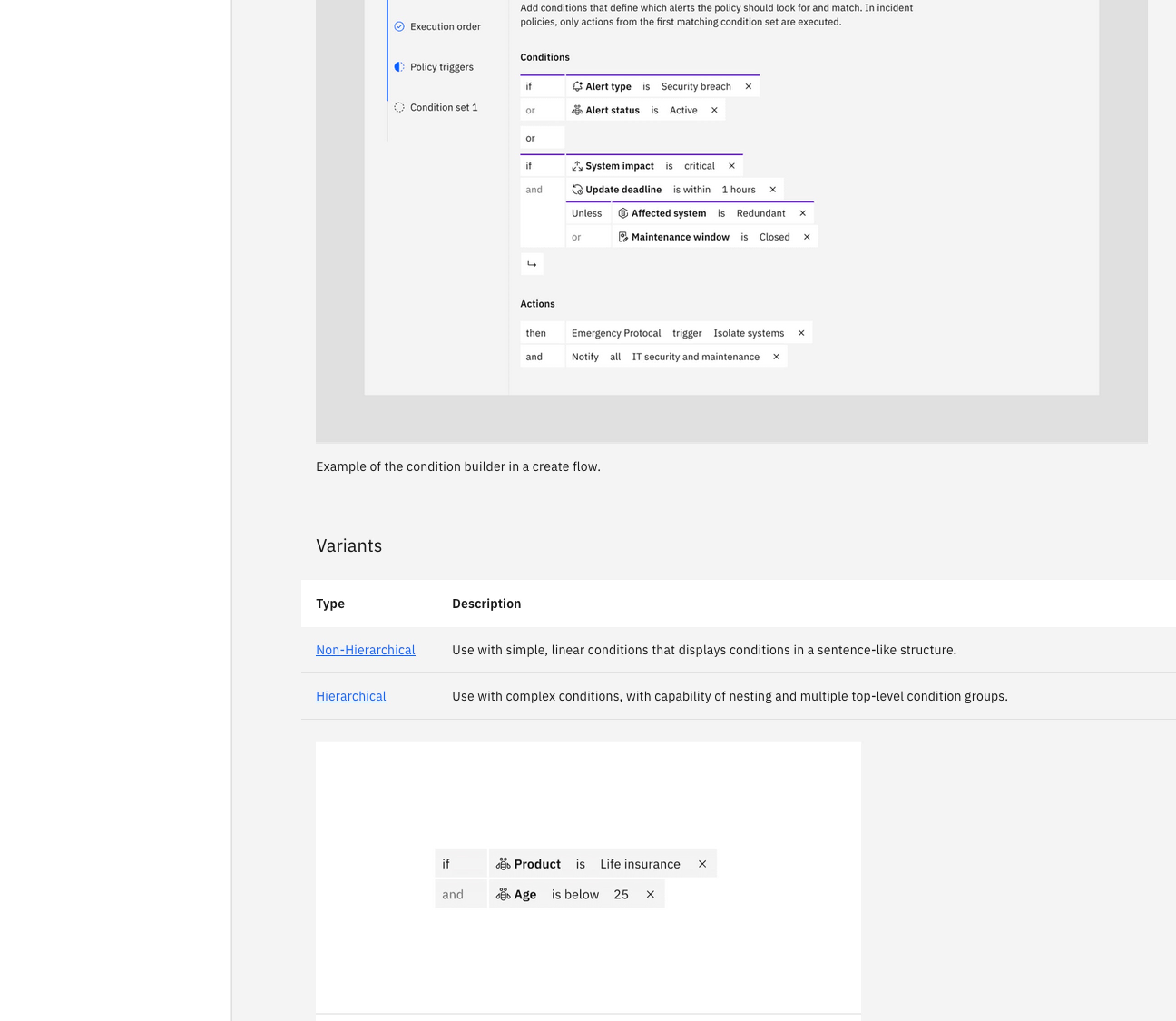
Use with simple, linear conditions that displays conditions in a sentence-like structure.
Use with complex conditions, with capability of nesting and multiple top-level condition groups.
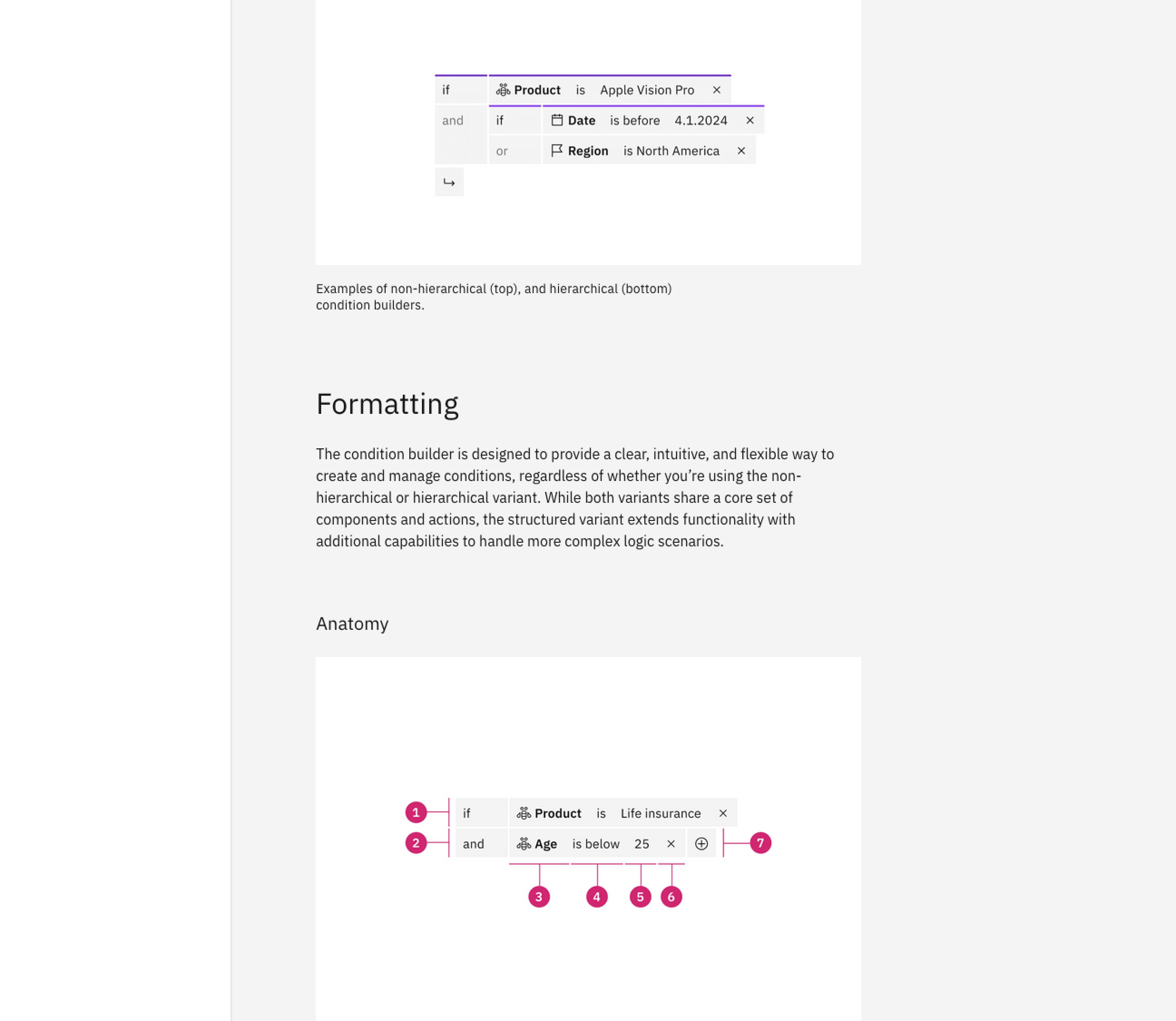
The condition builder is designed to provide a clear, intuitive, and flexible way to create and manage conditions, regardless of whether you’re using the non-hierarchical or hierarchical variant. While both variants share a core set of components and actions, the structured variant extends functionality with additional capabilities to handle more complex logic scenarios.
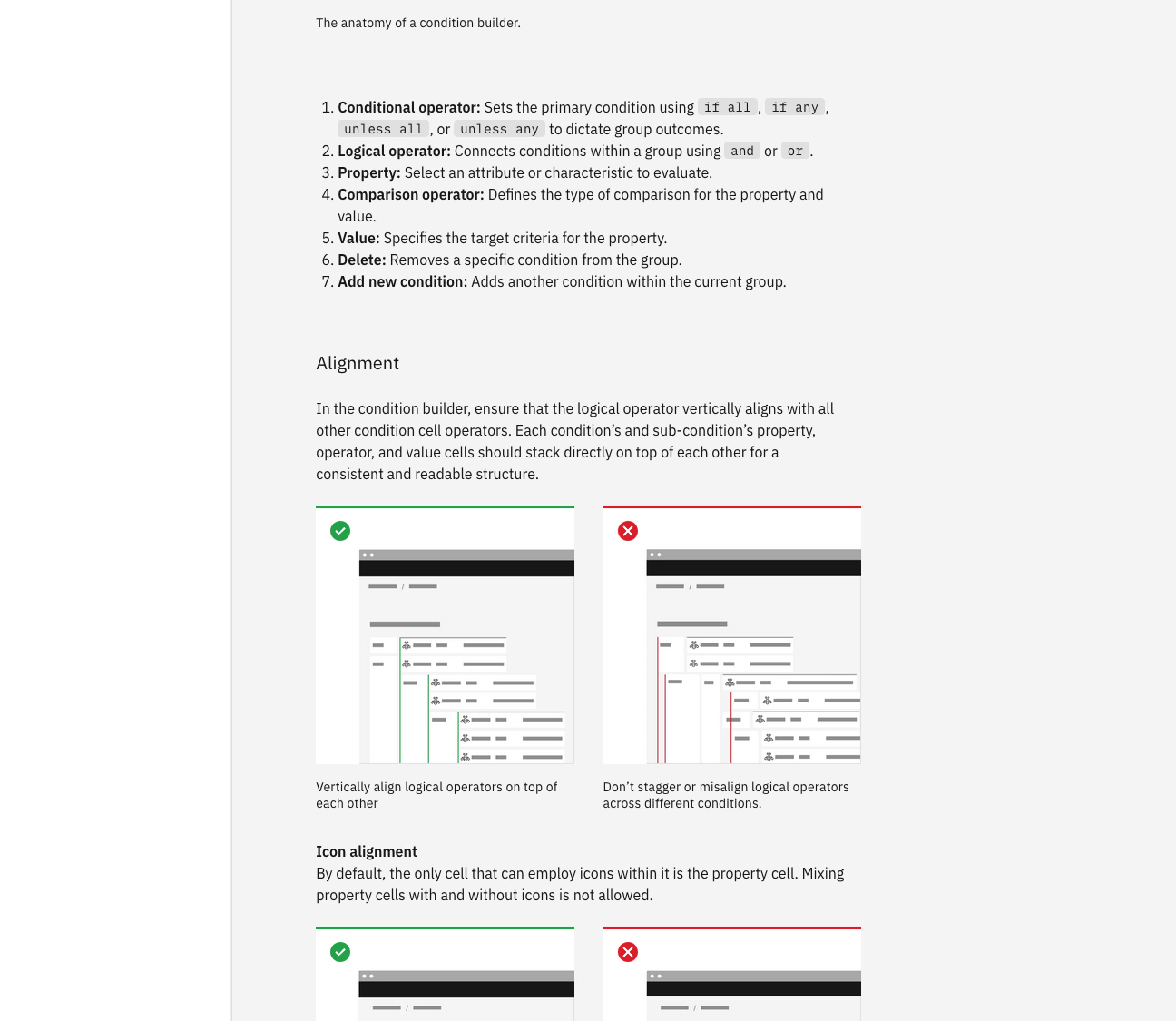
Conditional operator: Sets the primary condition using if all, if any, unless all, or unless any to dictate group outcomes.
Logical operator: Connects conditions within a group using and or or.
Property: Select an attribute or characteristic to evaluate.
Comparison operator: Defines the type of comparison for the property and value.
Value: Specifies the target criteria for the property.
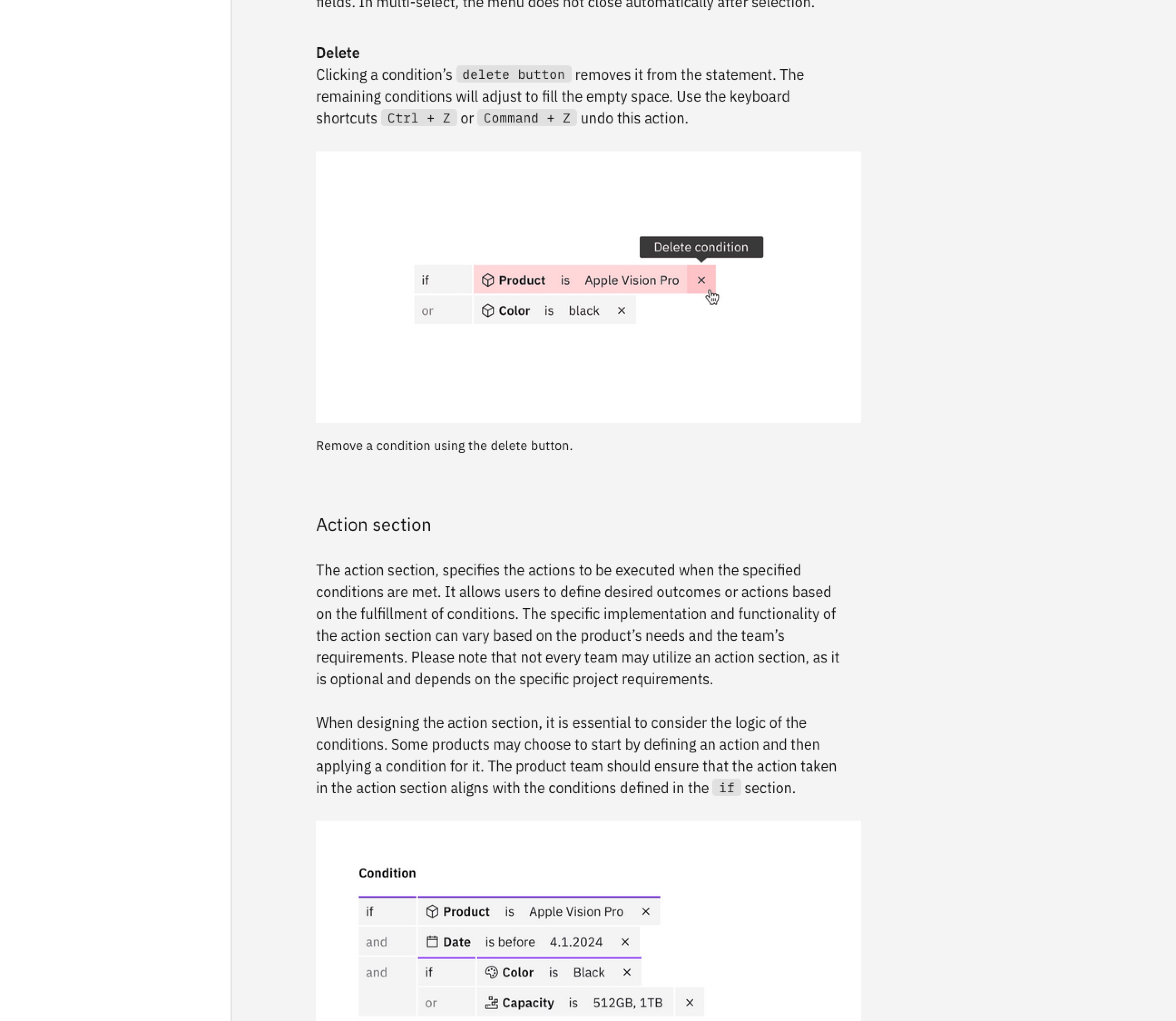
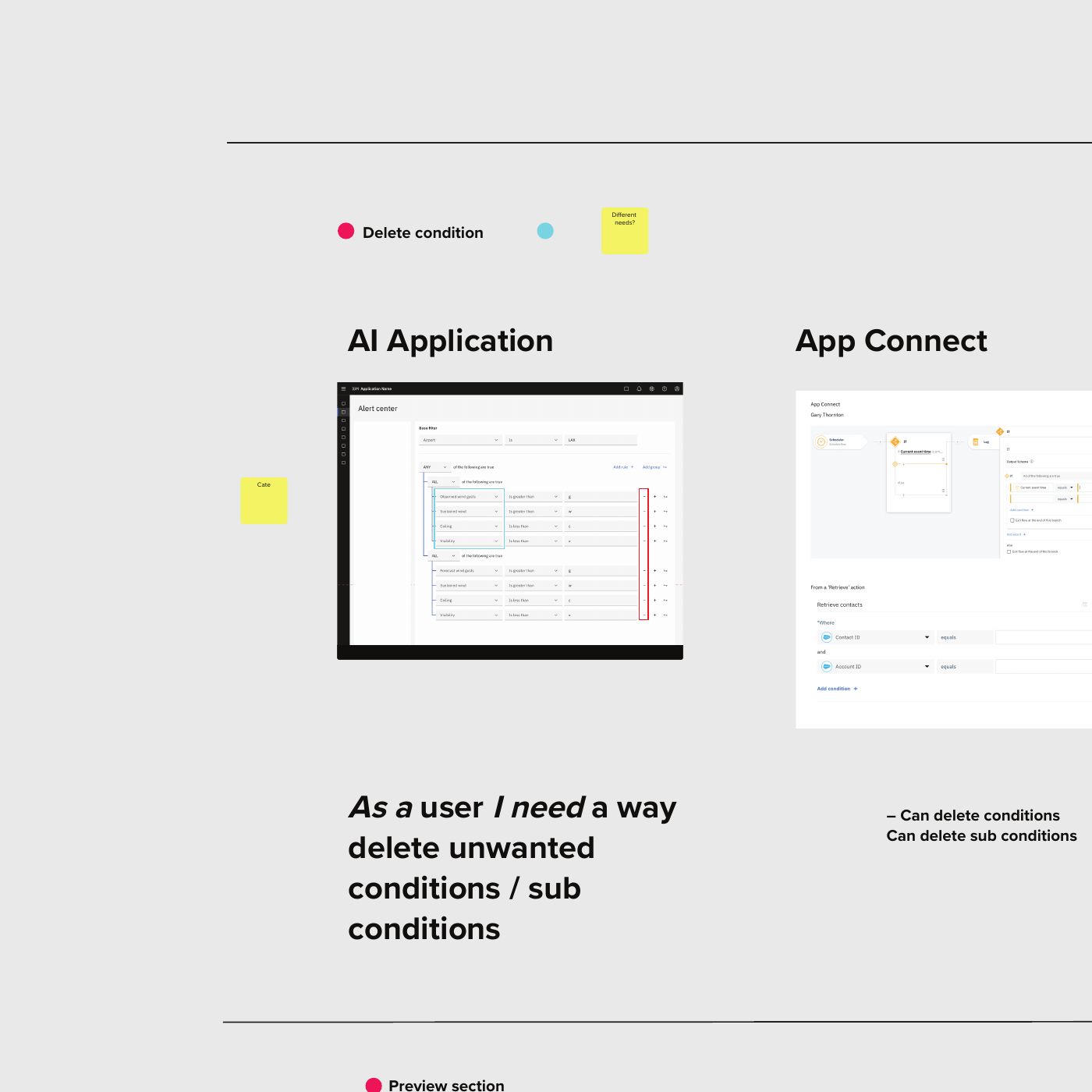
Delete: Removes a specific condition from the group.
Add new condition: Adds another condition within the current group.
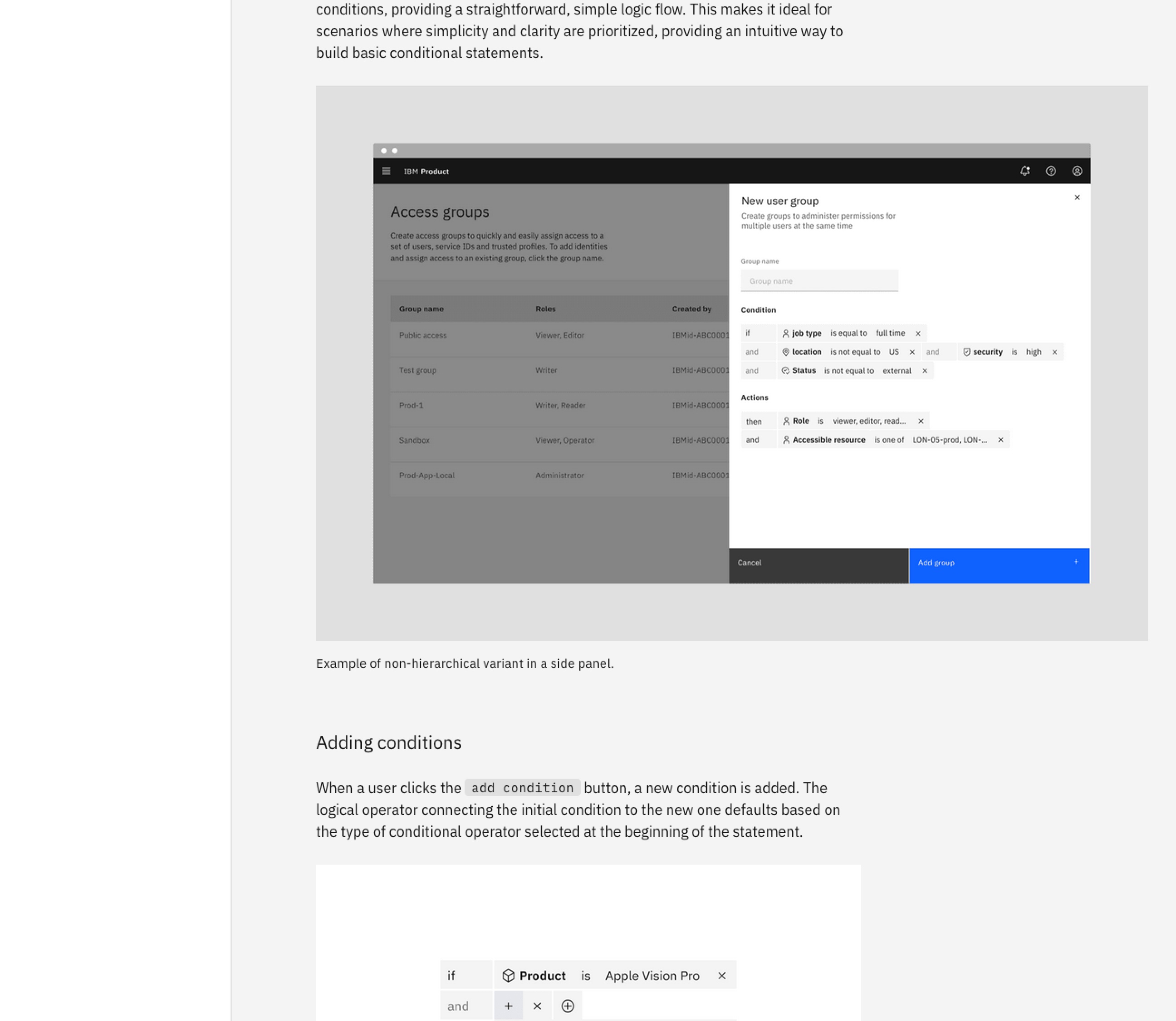
Example of non-hierarchical variant in a side panel.
Example of the condition builder in a create flow.
Storybook
Guidance
Official usage guidance


Outcome
Released to the Carbon for IBM Products design library, the Condition Builder created a shared foundation for a pattern teams had previously built independently, with two variants and guidance to support reuse.
I became the go-to contact for condition-builder challenges across IBM Products. VPs and design leads referred people facing related problems to me, and I matched each request with a volunteer whose experience best fit the need.
Volunteers could use their contributions to this cross-product initiative as evidence toward their annual performance goals, while gaining experience working beyond their day-to-day product responsibilities.
The initiative put the Contribution Mindset Framework into practice across products, revealing where a reuse-first approach needed flexibility.
Closing
A condition builder is something people use every day: if this happens, then that follows. Across IBM Products, teams had built their own versions of this common pattern, each solving the same underlying problem differently. We started by breaking the complexity into its smallest parts and bringing it together in one picture. It took many revisions, and a willingness to let go of our original constraints before we arrived at a shared, reusable component that teams could build on.
I volunteered because I thought I could help. As the project grew, I saw how much we could achieve by bringing people together, learning from one another, and making room for others to contribute and grow. The experience reinforced the importance of staying open to changing direction when the evidence
calls for it.
I’m interested in roles where product design, research,
and organizational challenges meet. If your team needs someone who can work across all three, let's talk.